How to Read a Crypto Swap Quote (Gas, LP Fees, Slippage)

A swap quote looks like a single price, but it is a stack of lines: route output, network gas, LP or exchange fees, and a floor for what you may receive. If you only trust the big mid-market number, you can sign a worse fill or send tokens to the wrong chain. Read the quote card top to bottom before you sign, and you will know what you are buying, what you pay, and where the assets should land.
Summary: Treat the aggregator’s expected route output as the real offer, not the mid-market ticker. Separate network gas from LP or exchange fees, read minimum received as your floor, and treat KYC labels as informational only. Confirm destination asset, chain, and wallet before you sign or send to a deposit address.
YiFi is a non-custodial swap and yield layer: you keep your keys while the UI routes across DEX, CEX, and private liquidity. A DEX is an on-chain pool you trade against; an off-chain or CEX-style rail may use a deposit address and identity checks. Under the Swap Terms, quotes, rates, and KYC labels are informational and indicative – a live estimate, not a locked bank rate.
Use this checklist on the same amount you plan to send. Do not skip to Sign until every line below makes sense.
Workflow: Expected output → gas vs LP fee lines → minimum received floor → rail + KYC label → destination asset / chain / wallet → refresh if stale → Sign or deposit once
1. How to separate mid-market from the aggregator’s route output
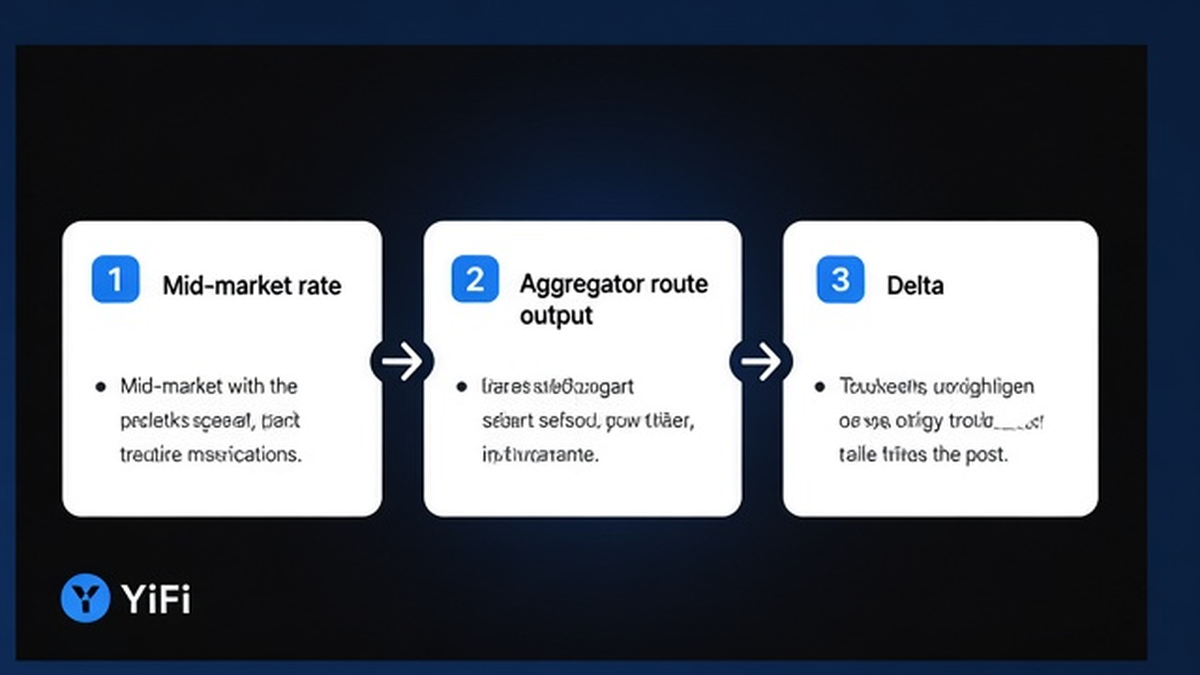
The large rate next to a pair often looks like an exchange ticker. Useful orientation – not the executable offer. The number that matters is the route output: expected amount, “you receive”, or similar wording on the quote card.
Open the quote for your exact input size and write down expected output. Use mid-market only as a sanity check. If the gap feels huge, refresh or cut size before chasing a sticker price no route can deliver.
- Open the swap screen with the same input amount you intend to send.
- Record the expected / “you receive” figure from the route card.
- Ignore mid-market as a guarantee; treat it as background context only.
- Refresh if the quote is stale or the gap vs mid-market looks extreme.
- Only then compare routes or filters; still score by expected output.
Do: judge routes by expected output after fees are baked into the number. Don’t: sign because a ticker “looks fair” while the route card is weaker. For how your own size moves the pool, see checking price impact before a swap.
2. Check network gas vs exchange or LP fees before you sign
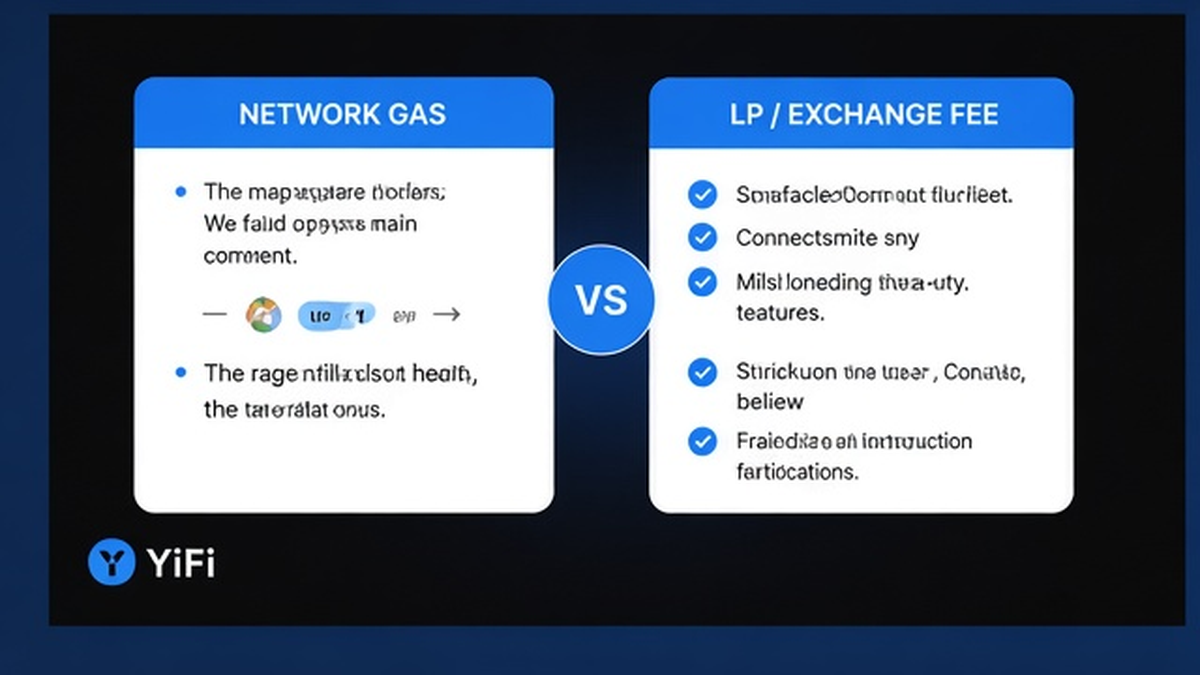
Network gas is the fee paid to the blockchain in its native token (for example ETH on Ethereum) so validators include your transaction. Per ethereum.org, gas can be consumed even when a swap fails. LP or liquidity-provider fees – and similar exchange or provider fees – are what pools or off-chain partners take for filling the trade. They often show up as a lower “you receive”, not as a separate native-token line.
YiFi’s homepage FAQ states there is no additional platform fee on swaps, while users still pay network gas and exchange/LP fees; the router aims at a lowest-gas route. The Fees docs also list ranges for provider fees (about 0.2%–0.5%) and a YiFi service fee line (0%–0.4% per partner). Ranges are not a promise for your next click – read the live fee lines on the quote.
Industry APIs make the same split: LI.FI docs separate gasCosts (native gas on top of your input) from feeCosts (protocol/bridge fees). If a fee is marked included in the output, do not subtract it again in your head.
Do: compare routes by expected receive plus any gas shown on top, and keep enough native token for gas. Don’t: double-count an included LP fee or ignore gas because the headline rate looked good.
3. How to treat the quote as indicative: minimum received, failed routes, bridges
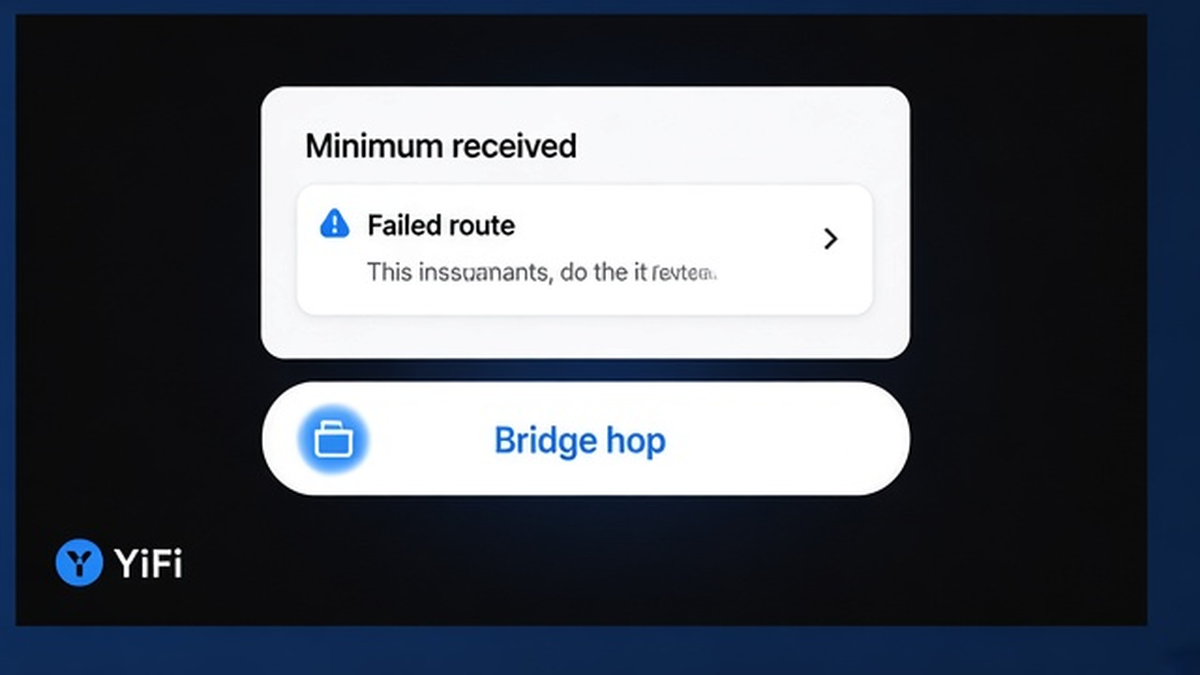
Indicative means the card is a live estimate. Execution can differ because of slippage (price drift between quote and confirm), failed routes, network conditions, or bridge delays – as the Swap Terms describe. Price impact is your size versus available liquidity (knowable before you trade); slippage is external drift after the quote. They are not the same – see the 0x knowledge base.
Minimum received (or toAmountMin in APIs such as LI.FI) is your floor: the worst fill the route still accepts inside your slippage band. Track that floor, not a raw percentage alone. Widening slippage does not protect you from a bad mid-market move; it only widens the fail band. If the floor looks ugly, refresh, cut size, or pick another route before you loosen tolerance. For how to set the percentage itself, use setting slippage tolerance before signing.
Do: treat minimum received as a hard floor and refresh a stale quote. Don’t: assume the expected line is locked like a bank transfer, and don’t blind re-send after a revert.
4. How to read the KYC label on off-chain providers (informational only)
Smart Routing on YiFi can surface DEX, CEX-style, and private liquidity (homepage FAQ names sources such as LI.FI, Rango, 0x, Quickex, and ChangeNOW). On-chain routes usually need a wallet signature and gas. Off-chain routes may give a deposit address with no wallet required, but a partner can still ask for identity checks.
YiFi itself does not perform KYC. Off-chain providers may KYC, delay, freeze, or reject a transfer. KYC labels in the UI are informational and may be inaccurate or outdated – see the Swap Terms and AML policy. If you want to avoid that rail, filter to DEX-only or pick another route before you deposit.
Do: read the KYC label and decide if that rail fits you before sending. Don’t: treat a green or empty label as a legal guarantee that no check will happen.
5. How to confirm destination asset, chain, and wallet before you sign
Same ticker is not the same asset across chains. USDT on Ethereum is not USDT on another network. Confirm three fields together: destination asset, destination chain, and the receiving wallet or deposit address. Wrong chain or wrong address is not fixed by a better fee line.
Do not judge a token by ticker alone – verify identity when the asset is unfamiliar via token contract verification. After a cross-chain swap you may still need native gas on the destination chain (destination-chain gas guide). Confirming arrival is post-sign work – see arrival verification – not a substitute for the pre-sign triple check.
Do: match asset + chain + address on the quote and in your wallet before Sign or deposit. Don’t: copy an old address from a previous network or reuse a QR without checking the chain.
Pre-sign checklist and what to do next
Run this checklist once on a live card, then decide.
| Quote field | What it means | What you should do |
|---|---|---|
| Mid-market / ticker | Background orientation | Sanity-check only; never score the route by this alone |
| Expected / you receive | Aggregator route output | Primary number to compare across routes |
| Minimum received | Floor inside slippage | Reject the route if the floor is unacceptable |
| Network gas | Native chain fee (can burn on fail) | Keep native balance; do not ignore it |
| LP / exchange / provider fee | Often inside expected output | Avoid double-counting if marked included |
| KYC label | Informational off-chain hint | Filter DEX-only if you want to avoid that rail |
| Destination triple | Asset + chain + wallet/deposit | Confirm all three before Sign or send |
Practice the walkthrough on YiFi Swap with a small amount: open a quote, read every line above, then decide whether to sign. If a send fails, stop and troubleshoot – do not spam the same deposit.
Frequently asked questions
Does YiFi add a platform fee on swaps?
The homepage FAQ says YiFi charges no additional platform fee on swaps; you still pay network gas and exchange/LP fees. Fees docs also describe provider and optional service-fee ranges per partner. Read the fee lines on your live quote rather than memorizing a flat percentage.
Why did my execution differ from the swap quote?
Quotes are indicative. Slippage, price movement, failed routes, network conditions, and bridge delays can change the outcome. Check minimum received as the agreed floor, refresh stale quotes, and avoid blind re-sends after a revert.
What does a KYC label on a swap provider mean?
It is an informational hint that an off-chain partner may require identity checks or may delay or reject a transfer. YiFi does not run KYC itself. If you want to avoid that step, filter DEX-only or choose another route before you deposit.
How do I tell network gas from an LP or liquidity fee?
Network gas is usually a separate native-token line for the chain. LP or exchange fees are often already inside the lower “you receive” amount. Compare expected output across routes, and keep enough native token for gas even if the swap fails.
What should I check last before signing a crypto swap quote?
Confirm destination asset, chain, and receiving wallet or deposit address. Re-check expected output, gas, and minimum received. Only then sign or send. Practice that order on the Swap app before sizing up.
Is the mid-market rate the same as my fill?
No. Mid-market is orientation. Your fill starts from expected route output and can still move within the minimum-received floor. Score routes by expected output and all-in fees, not by the ticker alone.