How to Verify a Cross-Chain Swap Arrived at Your Destination Wallet

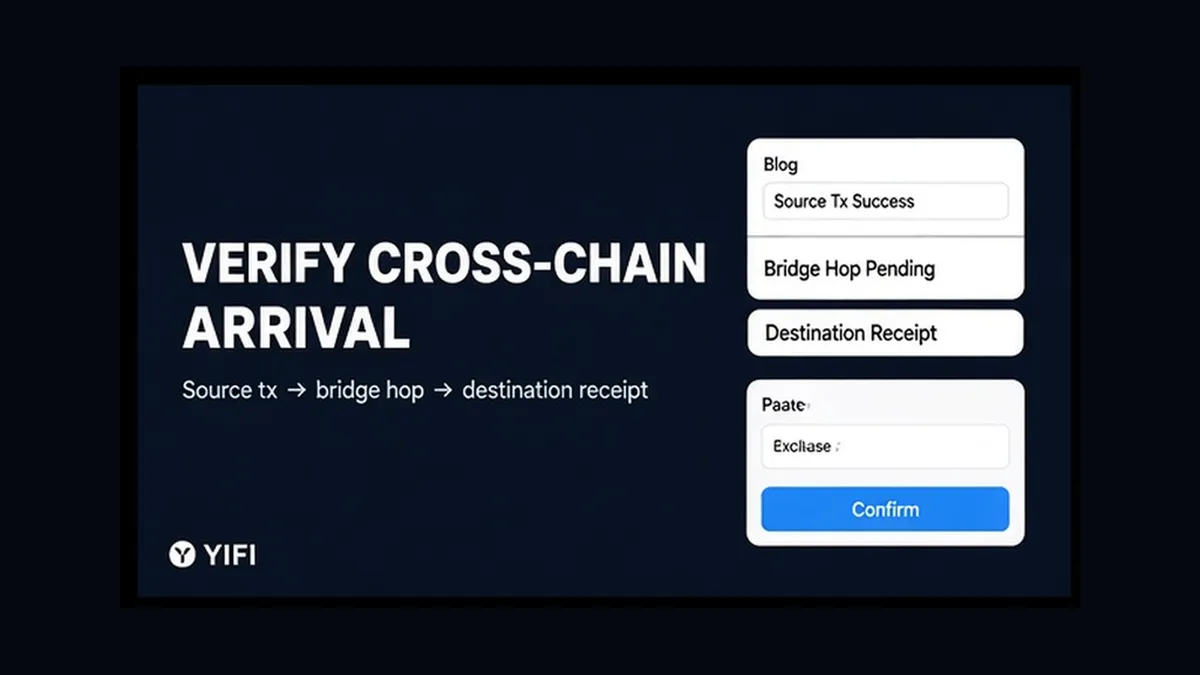
You signed a cross-chain swap, the source wallet looks quieter, and the destination balance still shows zero. That gap is normal until you prove three legs: source transaction, bridge hop, and destination receipt. Here is how to verify a cross-chain swap arrived at your destination wallet – confirm source Success, track the hop, then match token, amount, and wallet on the destination chain without sending twice.
Summary: A finished cross-chain aggregator swap is not “one hash equals done.” Confirm source Success on the source-chain explorer, track the bridge hop with the route provider’s status tool (source hash → destination hash when available), then match the destination receipt to your wallet, token, and amount. If the hop is still pending, wait or claim – do not double-send.
A cross-chain move is a three-stop transfer: leave chain A, a bridge or solver carries the intent, then chain B credits your address. Any stop can stall alone. A block explorer is a public read-only ledger viewer – never type a seed phrase there.
YiFi is a non-custodial interface and router: you keep the keys, and YiFi does not hold client funds. Quotes are indicative. Homepage-named sources include LI.FI, Rango Exchange, 0x, Quickex, and ChangeNOW. This guide proves arrival after you signed – not quote reading, not a reverted source fix.
1. How to copy the source hash and confirm Success on the source-chain explorer
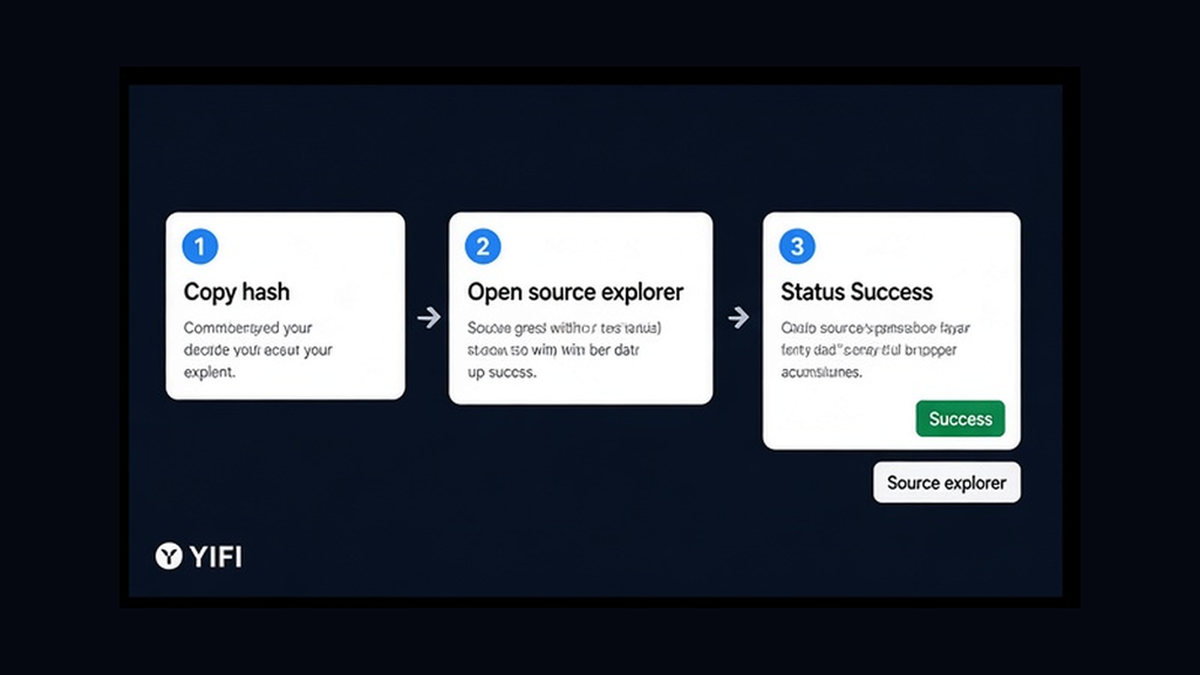
Start on the chain you left. Grab the source tx hash (the long ID of the signed send) from wallet activity or the aggregator receipt.
- Copy the full source tx hash from wallet history or the swap order screen.
- Open the explorer for that same source chain – not the destination explorer.
- Paste the hash and wait for the page to load fully.
- Confirm Status = Success (or Confirmed), not Failed or Dropped.
- Skim events for lock, burn, or deposit wording if shown – that means the hop is in flight, not destination credit yet.
If the source tx failed, funds typically never left – stop hunting a destination receipt. If Success shows lock/burn/deposit, treat it as moving, not lost.
Do: verify Status on the correct source explorer first. Do not: paste the source hash into the destination explorer and assume “not found” means the money vanished.
2. Confirm the route is cross-chain: destination chain, asset, and wallet
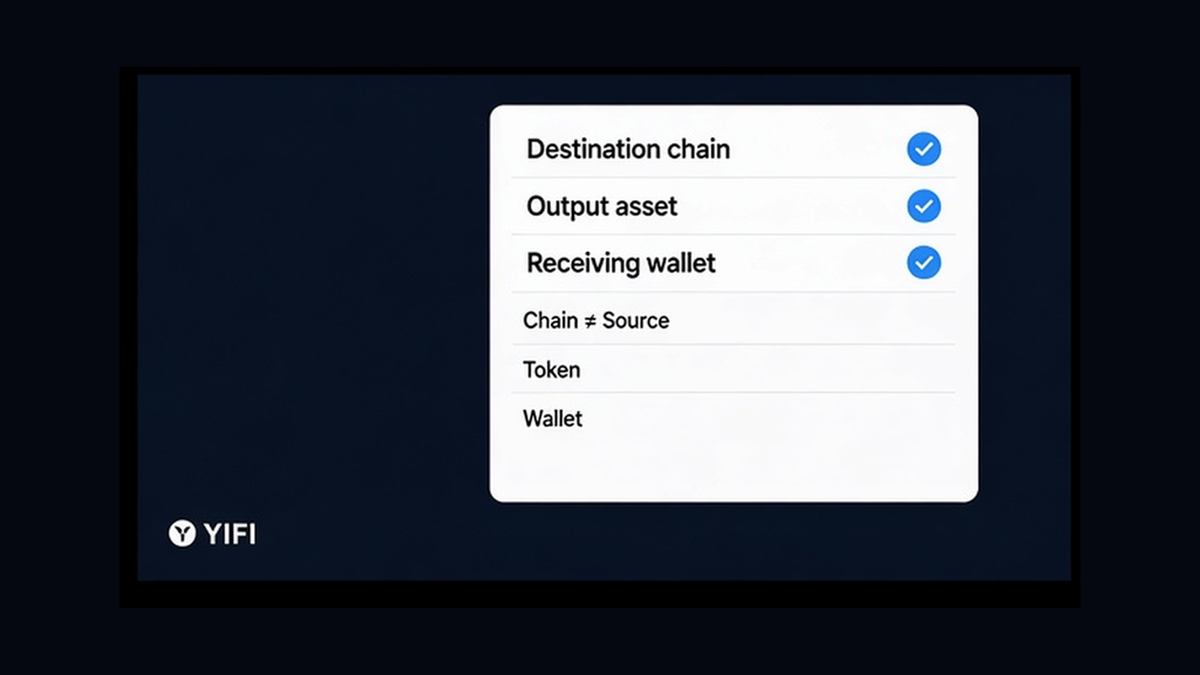
Before you chase a second hash, prove you took a cross-chain path. Same-chain swaps are one transaction; there is no second leg.
- Note the destination chain from the quote or receipt.
- Note the output asset – symbol plus contract address when shown.
- Note the receiving wallet – the exact address that should get credit.
Workflow: Source Success → Confirm source chain ≠ destination chain → Save destination chain + token + receiving address → Only then open a bridge status tool
Treat the quote as indicative until the destination receipt confirms. If source equals destination chain, stop looking for a bridge hop. If the receiving address in source events is not yours, escalate with evidence – do not send a “fix” swap.
Do: write down chain, token, and wallet before trackers. Do not: invent a missing destination hash for a same-chain swap.
3. How to track the bridge hop with the aggregator or bridge status tool
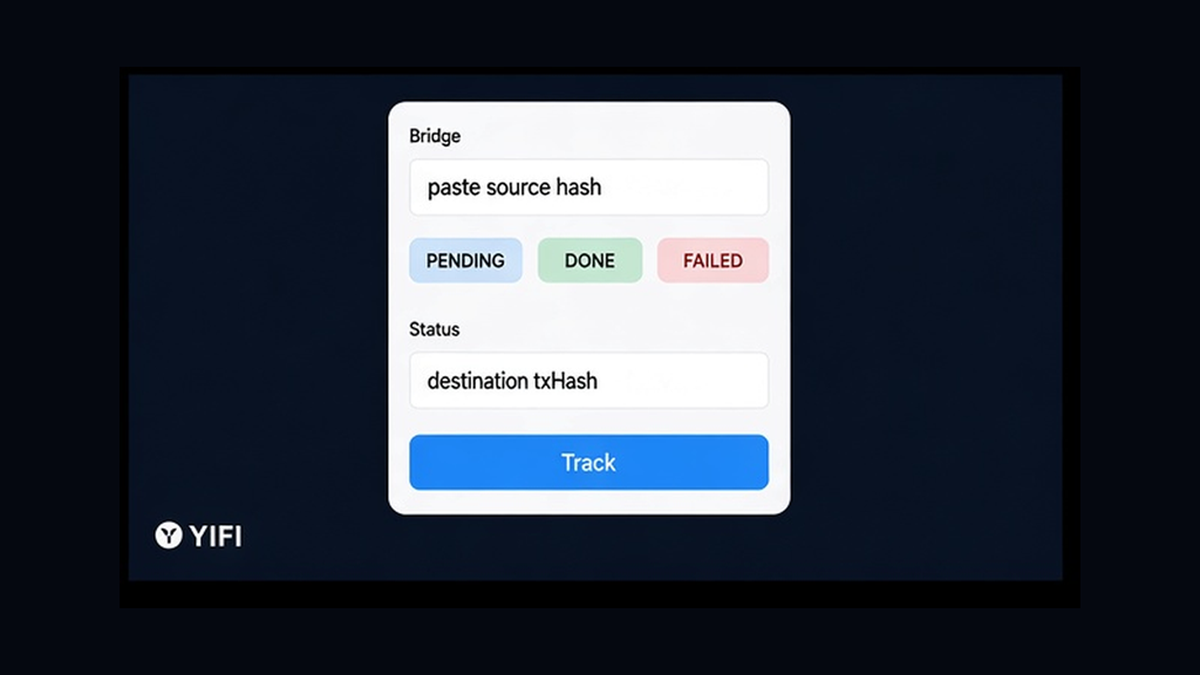
The bridge hop is the middle service that moves value or intent between chains. Use the aggregator or bridge status page with your source hash. LI.FI-style tracking returns sending and receiving data, including a destination hash when ready. Rango’s check-status can expose destTxHash for many EVM bridges. Start from the source (or burn) hash, not a random approval hash.
- Open the status tool for the route provider on your receipt (LI.FI status, Rango check-status, bridge explorer, or order page).
- Paste the source tx hash; add from/to chain filters if asked.
- Read status as pending, done, failed, partial, or refunded – not “lost.”
- If a destination tx hash appears, copy it and open the destination explorer.
- If status is NOT_FOUND or still indexing, wait briefly and re-check the source explorer before you resubmit.
LI.FI docs list NOT_FOUND, INVALID, PENDING, DONE, and FAILED, plus DONE substatuses COMPLETED, PARTIAL, and REFUNDED. COMPLETED means finished; it does not auto-equal the quoted amount – compare to a minimum when present. For USDC on CCTP, a source burn is not destination completion: attestation and mint still matter, and some paths need a manual claim with destination gas.
Do: poll until a clear terminal state or destination hash. Do not: treat a short NOT_FOUND window as permission to send a second swap.
4. Open the destination explorer and match the receipt
Arrival is proven on the destination chain. With a destination hash, confirm Success, recipient = your wallet, token, and amount. With no hash yet (common on some solver or CEX-style payouts), search token transfers by receiving address and match credit by token, amount near the quote, and timing.
- Open the explorer for the destination chain only.
- If you have a destination hash, paste it and confirm Success.
- Check recipient equals your receiving wallet.
- Check the token contract matches the expected asset (add it in the wallet if hidden).
- If there is no hash, search address → token transfers and match amount and time.
- If the explorer shows credit but the wallet shows zero, switch the wallet to the destination network – explorer credit beats a lagging UI.
Range notes common “stuck” feelings: finality or attestation waits, pending manual claim, relayer backlog, destination liquidity shortfall, or a wallet hiding wrapped tokens. For standard CCTP on Ethereum, Range notes attestation can take 15+ minutes and still be on schedule.
Do: treat the destination explorer as ledger truth. Do not: panic-resend while a matching transfer already shows to your address.
5. Decision checklist: pending vs done vs partial/refunded
Use this table before you touch “swap again.” Save source hash + destination hash (or order ID). On off-chain routes, a KYC label is informational – YiFi itself does not run KYC/AML on users, but a provider may delay or reject; confirm order status, then match the destination explorer.
| What you see | What it usually means | What to do |
|---|---|---|
| Source Failed | Funds likely never left | Stop destination hunt; re-quote after a clear failure |
| Source Success + hop PENDING | Transfer in flight / waiting claim | Wait, re-check status, claim if asked; do not double-send |
| Destination Success matched | Arrival proven on-chain | Done – fix wallet network/token if UI lags |
| PARTIAL | Only part delivered | Read amounts; do not assume full quote |
| REFUNDED | Return path on a supported route | Find refund tx; do not expect destination credit |
| Wrong chain or address | Often hard to recover | Escalate with hashes – not a second blind send |
Decision workflow: Source explorer → Bridge/status tool → Destination explorer → Wait / claim / escalate → Never stack a second send while the hop is pending
For gas and quote literacy next time, use the crypto swap quote and gas fees guide. If the source tx reverted, use the reverted crypto swap checklist. To route again on a non-custodial aggregator, open YiFi Swap – then verify destination yourself on explorers and status tools.
Do: wait or claim while source Success and hop pending. Do not: re-send “to speed it up” while status is still in flight.
Frequently asked questions
Source shows Success but the destination wallet is empty – did I lose funds?
Usually not yet. Confirm bridge hop status with the source hash, then check the destination explorer for your address. Wait for finality, attestation, or a claim. Do not send a second swap while PENDING.
How do I find the destination tx hash after a cross-chain swap?
Paste the source hash into the aggregator or bridge status tool (LI.FI receiving.txHash or Rango destTxHash). If none appears, search the destination explorer by receiving address and match the token transfer by amount and timing.
I opened the wrong explorer – what should I do now?
Match explorer to chain: source hash on the source-chain explorer; destination credit on the destination-chain explorer. Cross-chain needs both. Re-open the correct explorer and re-check Status = Success.
Wallet shows zero but the explorer already shows a credit – is it done?
Yes for on-chain arrival. Switch the wallet to the destination network and add the token contract if hidden. Use the explorer as ledger truth, then refresh balances.
What do PENDING, PARTIAL, and REFUNDED mean on a bridge status tool?
PENDING means the hop is still in flight – wait or claim. PARTIAL means only part arrived – read amounts. REFUNDED means tokens returned on a supported path – find the refund tx and do not assume destination credit.
Does YiFi custody funds or auto-complete the destination leg?
No. YiFi is a non-custodial interface and router. You verify source and destination on explorers and provider status tools. Quotes stay indicative until the destination receipt confirms.
Off-chain route with a KYC label – how do I verify arrival?
Treat the label as informational. Confirm provider order status with your source hash or order ID, then match the destination credit on the destination explorer. Providers may delay or reject independently of YiFi.