How to Check Price Impact Before You Sign a Crypto Swap

A high price impact warning is not a “set more slippage” problem. Price impact is what your own trade size does to the route’s depth; slippage tolerance only caps how far the fill may drift after the quote. Before you sign, separate those two fields, stress-test size, then resize, split, or change the route – do not widen tolerance to force a bad fill.
Summary: Price impact shows how your trade size moves the price against available liquidity on the route. Slippage tolerance only limits post-quote drift and does not deepen the pool. Open a live quote at your real size, compare a smaller test quote, and if impact spikes, reduce size, split the trade, pick a deeper route, or abort – never raise slippage to paper over high impact.
On a DEX (decentralized exchange – a pool of tokens anyone can trade against) or an aggregator (a router that searches many venues for one quote), the screen often shows both an impact percentage and a slippage setting. Mixing them up is expensive: you “fix” a thin route by allowing a worse fill instead of changing size or path.
Treat the quote as indicative. YiFi Swap Terms note that outcomes can differ after you refresh or when a route fails. Read the numbers on the card you are about to sign.
Separate price impact from slippage tolerance
Price impact answers: “If I trade this size on this route right now, how much worse is my expected price because I am taking liquidity?” It is tied to pool depth and is knowable in the quote before you sign. Docs from 0x put it plainly: impact is correlated with liquidity and visible before the trade; slippage is drift from other activity between quote and confirmation.
Slippage tolerance answers a different question: “How much may the actual received amount move after this quote while my transaction waits?” The UI usually pairs it with minimum received (the floor; if the chain would pay less, the swap should revert).
| Check | Price impact | Slippage tolerance |
|---|---|---|
| Cause | Your size vs depth on the route or pools | Other trades and volatility between quote and inclusion |
| When you know it | In the quote before you sign | Tolerance set before; realized drift seen after the fill |
| If the number looks bad | Resize, split, change route or pair, or abort | Set a sensible %, refresh; do not use it to “fix” high impact |
| UI cue | “Price impact” % / warning color on the quote card | Slippage % setting + minimum received |
Verdict: If impact is high, treat it as a size-or-route problem. If only slippage worries you after impact looks fine, tune the tolerance and re-read minimum received – details live in the slippage tolerance guide.
Do: Label both fields out loud before you touch any setting. Don’t: Assume a red impact chip means “raise slippage.”
Enter your real trade size and read impact, output, and route hops
Open a live swap quote – for example on YiFi Swap – and enter the amount you actually plan to move. A tiny placeholder can look “safe” on a shallow pool and then explode when you type the real size.
- Enter the full intended amount (not a toy test size yet).
- Find the price impact % on the quote card and note any warning styling.
- Read estimated output (what you expect to receive before the floor).
- Scan route hops – how many venues or steps the pathfinder proposes.
- Note fees and gas as checklist items; for a deep gas vs LP fee walkthrough use the quote and gas fees guide.
Aggregators can show lower impact than a single thin pool because they split flow across sources. YiFi Smart Routing compares DEX, CEX (centralized exchange liquidity inside the aggregator path), and private liquidity; 1inch Pathfinder docs describe the same auto-split idea. That only helps when depth exists somewhere.
Do: Judge impact at the size you will sign. Don’t: Approve a route because a 0.01 unit preview looked fine.
Workflow: Real size in quote → read impact % → read estimated output → count route hops → only then look at slippage / minimum received
Compare a smaller test quote vs full size
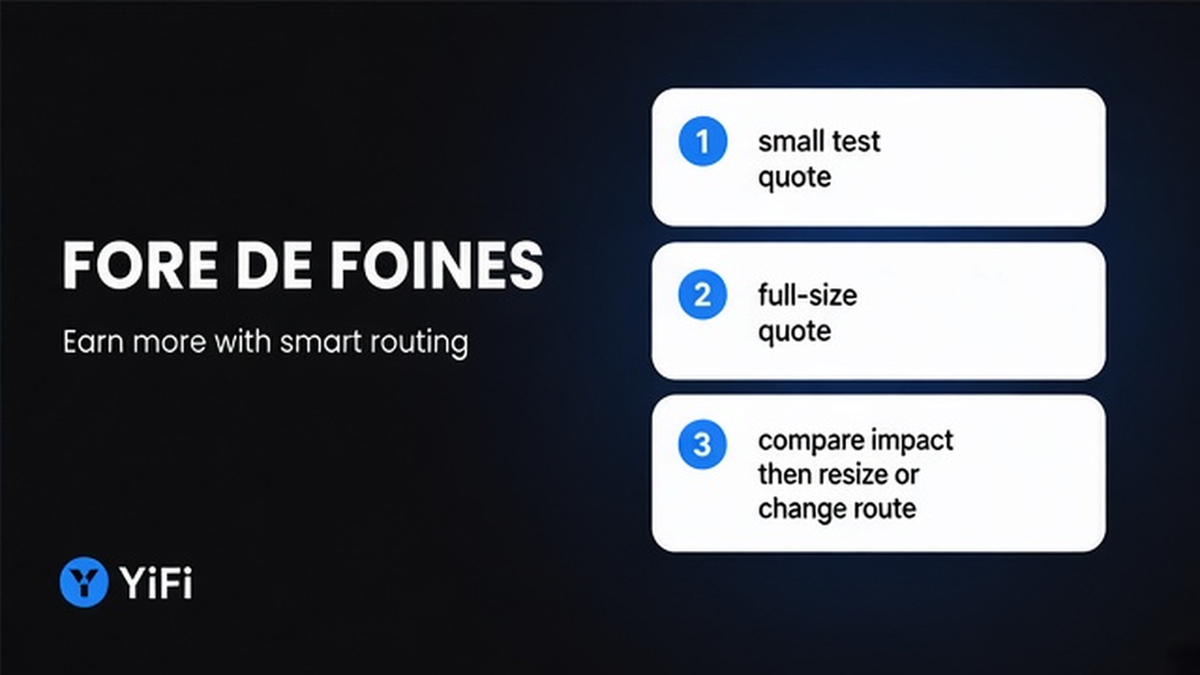
Re-quote at about 10-20% of your intended size (or any clearly smaller test amount), then put the full size back.
- Note the full-size impact % and estimated output.
- Drop the amount to a smaller test size and refresh the quote.
- Compare: did impact stay flat, or jump sharply only at full size?
- If impact jumps with size, you have a depth problem – plan to split, resize, or change route.
- If both sizes look similarly bad, the pair may simply be too thin; abort or wait.
1inch’s help center shows how an illiquid pair can destroy value on a large fill vs a mid-market rate. Run the same logic: if full size is much worse than a small slice, do not hope the chain will be kinder after you sign.
Do: Run the small-vs-full comparison when the trade is large for you. Don’t: Skip the test because the aggregator logo feels trustworthy.
Do not raise slippage to fix high impact – abort, resize, or change route
Raising max slippage does not add liquidity. It only widens the fills you accept. LI.FI docs state that increasing slippage does not protect you from rate changes – it widens the band before failure. Higher max slippage does not undo impact already priced into the quote.
When impact is high, pick one branch:
- Reduce size until impact looks acceptable to you.
- Split into several smaller swaps over time (extra gas, more signatures).
- Try another route, filter, or pair with deeper liquidity.
- Abort and wait; do not force a fill you already dislike on the card.
Very high tolerance increases sandwich and front-run risk (bots inserting trades around yours). Too-low tolerance after a good impact quote can revert with gas spent when “min return not reached.” Fix impact first; then set slippage for its real job. Wallet warnings (MetaMask has added Price Impact rows and extra confirm friction) are stop signs for size/route review, not permission to crank tolerance.
Do: Abort, resize, split, or change the route when impact is high. Don’t: Raise slippage to paper over a high impact warning.
Decision gate: High impact warning → resize / split / deeper route / abort → only if impact is acceptable → confirm slippage + minimum received → sign
Pre-sign checklist before you click confirm
After impact looks acceptable at your real size, run this list once.
- Price impact % at full intended size – still OK after the small-vs-full test?
- Estimated output – matches what you expect vs a mid-market view?
- Minimum received – clear floor if the fill drifts?
- Slippage tolerance – set for drift only, not as an impact workaround?
- Gas / network fee and any exchange or LP fee lines – skimmed?
- Token contracts – correct asset, not a lookalike fake?
- Destination chain and wallet address – match where you want funds?
- Route hops – any surprise bridge or extra hop?
- Fresh quote – refreshed after any pause (quotes are indicative per YiFi Swap Terms)?
- Decision – sign now, or stop and change size/route?
YiFi homepage FAQ states there is no additional platform fee on swaps; you still pay network gas and exchange or LP fees. That does not change the impact check.
Do: Walk the ten checks in order, then sign or stop. Don’t: Sign while “only checking slippage later.”
When you are ready to practice on a live card, open YiFi Swap, enter the real size, and separate impact from slippage before you approve the wallet prompt.
Frequently asked questions
What is a safe price impact percentage?
There is no universal “safe” impact %. Compare a smaller test quote to your full size and abort if full-size impact is unacceptable for you. Product filters (for example LI.FI API docs mention a maxPriceImpact filter with documented defaults) are provider settings, not personal advice.
Does raising slippage fix high price impact?
No. Raising slippage only widens the fill range and can increase MEV (bots extracting value around your trade) risk. Fix impact by resizing, splitting, changing route, or aborting – then set slippage for post-quote drift only.
Why can an aggregator show lower impact than a single pool?
Pathfinders can split your size across several liquidity sources, so each slice hits less depth. That fails when the token has only one thin source. Still verify impact at your real size before you sign.
What should I do when I see a high price impact warning before a swap?
Stop. Re-quote at a smaller size. If impact falls, split or reduce. If it stays bad everywhere, change pair or abort. Do not raise slippage to force the submit.
How do I reduce price impact on an aggregator swap?
Use a smaller amount, split into several transactions, or pick a route with deeper liquidity. Refresh the quote after each change and re-check impact before signing.
Is minimum received the same as price impact?
No. Price impact is already baked into the expected price for your size. Minimum received is the slippage floor – the worst amount you still accept if the market moves after the quote. Read both fields separately.
Can fee-on-transfer tokens change what I receive without being “impact”?
Yes. Some tokens take a transfer tax. That can change realized amounts separately from classic impact or slippage. Verify quote notes and contracts before you sign.