How to Verify a Token Contract Before You Sign a Swap

A fake token can steal a ticker (the short symbol), a name, and a logo in minutes. It cannot steal the real contract address – the unique on-chain ID of that token, a string that looks like an account address. How to verify a token contract before swap is an identity check, not a buy rating. Copy the official address, lock the network, compare every character, and refuse to sign if only the brand matches.
Summary: A ticker is only a short nickname, so copy the full contract from the project’s official page. Open the explorer for the same chain as your wallet, then compare the entire string in the aggregator before you sign. A green verified-source badge means published code matches bytecode, not that the token is safe. If the logo matches and the address does not, stop.
ethereum.org’s June 2026 scam-token guide is blunt: ERC-20 name and symbol fields are not unique. You cannot count on them for security. Scam tokens cannot reuse the real contract address. The best source for that address is the organization that issued the token.
A swap aggregator is a router that compares several venues and shows a quote. It does not hold your keys. YiFi Swap Terms call this a non-custodial interface. You verify each route and quote. Then you sign from your own wallet, or you send to an off-chain provider. Quotes are indicative: an estimate, not a locked rate. This guide is the identity step before that signature.
Copy the official contract: how to skip ticker search and chat
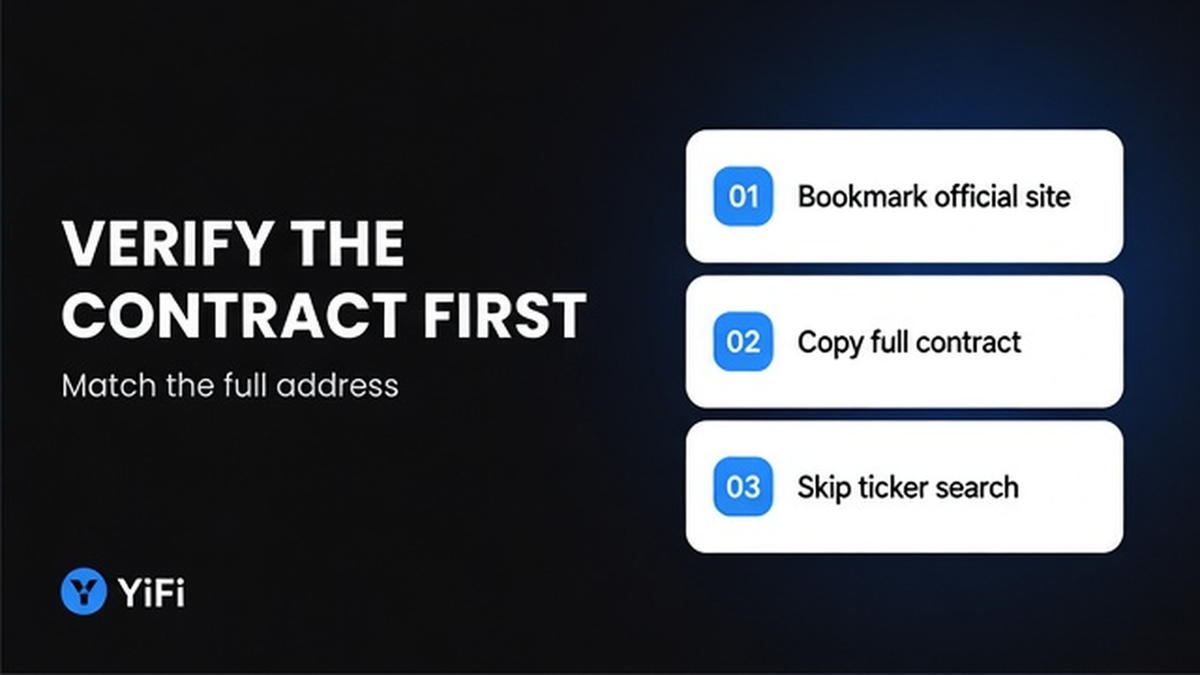
Start with a URL you already trust. Open the project’s official site or docs from a bookmark, not from a search ad, a chat screenshot, or a “support” DM. Copy the complete address for the exact network you will swap on. Do copy the full string. Do not copy a truncated preview such as 0x1234…abcd.
Workflow:
Official site (bookmark) → matching-chain explorer → full address compare → paste into token field if accepted → wallet request check → small test → size
Run this seven-step checklist before you touch amount or slippage:
- Copy the full contract from a bookmarked official page for the exact network.
- Lock the same chain on wallet, explorer, and aggregator token picker.
- Paste the address into that chain’s explorer and confirm it loads as a token contract.
- Read any verified-source badge as transparency, not as a safety rating.
- Compare the entire address string in the swap UI, character for character.
- Paste the address into the token field if the interface accepts it; skip the first ticker hit.
- Check the wallet prompt, use a small test swap, then size.
If the project page has no address, MetaMask’s help says you can also look on a chain explorer or a listing site such as CoinGecko. Treat those as a second source. CoinGecko’s Contract field defaults to Ethereum Mainnet. Do not paste an Ethereum address into a BSC swap.
Confirm the network matches: a checklist for explorer, wallet, and aggregator
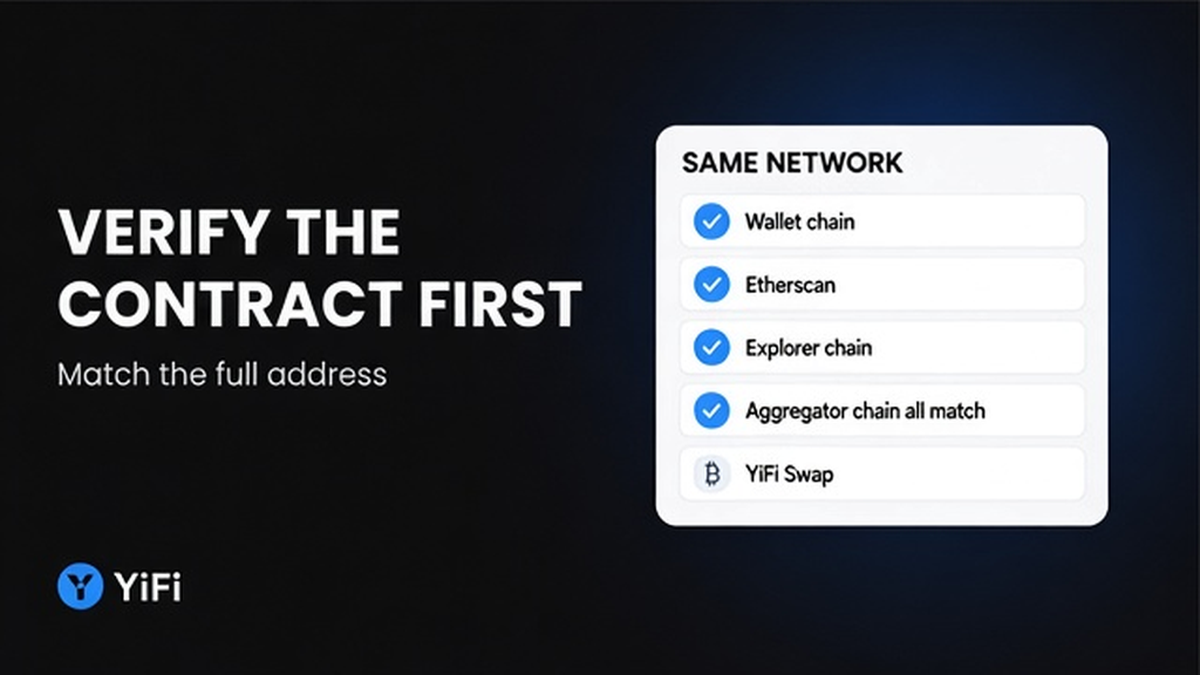
A block explorer is a website that shows what a given chain recorded. Make sure wallet, explorer, and aggregator sit on one chain. USDT on Ethereum is not USDT on BSC. Same ticker, different contract. Do not mix those tabs.
YiFi’s homepage FAQ names Ethereum, Arbitrum, BSC, Base, and similar EVM networks. Pair Ethereum with Etherscan, BSC with BscScan, Base with Basescan, Arbitrum with Arbiscan. Paste the copied address into that explorer. Confirm it loads as a token contract. Name, symbol, logo, and famous-holder tags are context only. ethereum.org warns that scam contracts can fake holder lists and Transfer events. An airdrop to a well-known address is not proof. Check the address, not the fan club.
Compare the address character for character before you sign
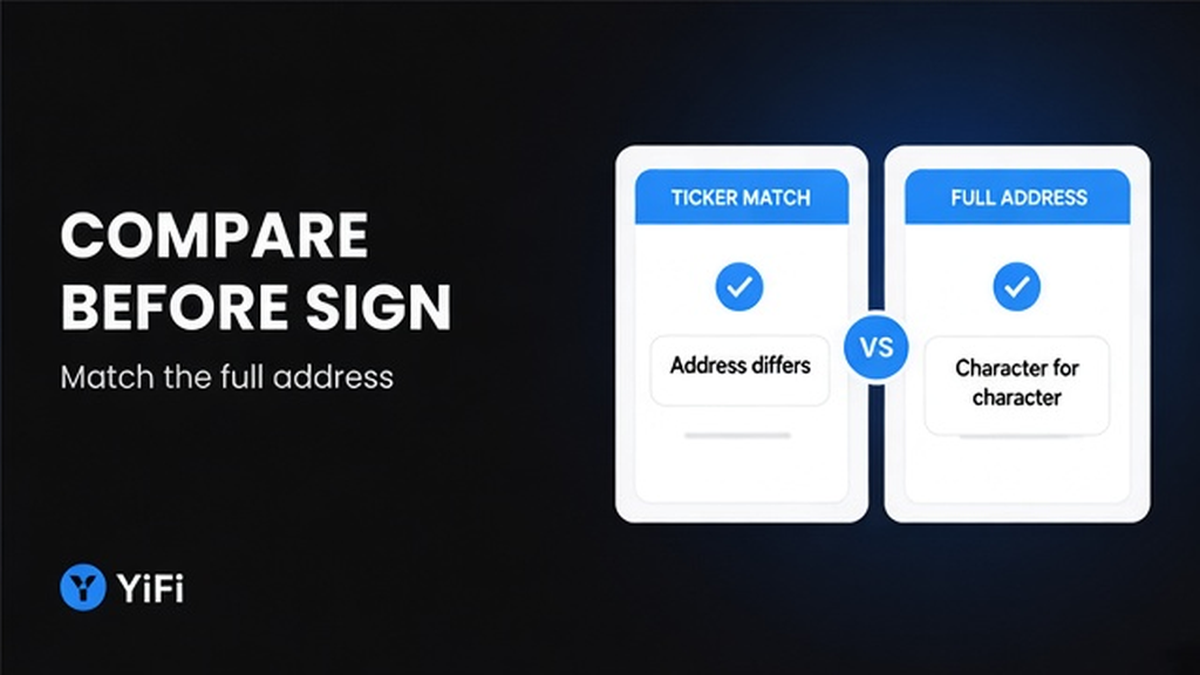
This is the whole identity job. Put the official copy next to the address in the explorer and in the swap UI. Compare the entire string. Do not trust the first and last characters. Impersonator tokens copy the ticker and logo, then match a truncated display.
If the ticker matches and the address differs, stop. Same name and symbol are allowed on ERC-20. Use the official contract or do not swap.
Uniswap’s token-warning help (updated 25 Sep 2026) labels some assets Impersonator. It tells you to use the contract address. Those warnings are not investment advice. Make sure you still compare the full string even when no banner appears.
Avoid treating verified-code badges and logos as proof the token is safe
Source verification is the verified-source badge on an explorer. It means published Solidity or Vyper recompiles to the bytecode at that address. Etherscan documents this so users can see what they are digitally signing. That is transparency, not a blessing.
Etherscan’s live help lists four tiers: Unverified (bytecode only); Similar Match (yellow); Exact Match (green, includes constructor args); Runtime Match (runtime bytecode only). Do not treat yellow or green as “this is the official project.”
Sourcify’s docs say a verified contract is not necessarily safe. Verification does not look into what the contract does. It only checks that bytecode matches this source. ethereum.org adds that typical Etherscan matches are partial and skip the metadata hash. Avoid treating an explorer logo or a green badge as proof of legitimacy. Etherscan is not an authoritative source of truth. Tokens it marks as scams are still likely scams.
Paste the address, then run a small test: the last step before size
Prefer paste over ticker search. Uniswap’s web-app help (updated 22 Jan 2026) documents searching by name or contract address. That is the documented aggregator pattern. For YiFi, paste into the token field if the interface accepts an address, then confirm the address shown. Do not invent a special control name. Do not pick the first ticker hit. That is how impersonators get filled.
If a wallet list is missing the asset, MetaMask documents a Custom token flow: paste the contract. Second-guess airdropped tokens. Failed transactions with scammer-written explorer errors that link to a site are phishing. Do not click those links.
Then size down, then size up. Check the wallet prompt: network, token, and spender. The spender is who receives allowance – permission to move your tokens, often a router. First use of that token is often a separate approval transaction. Use a small test swap, then size. MetaMask says to consider tests before large sums. Do not invent a test size. Treat the quote as indicative. After the address matches, read gas versus LP fees on that intended asset, then set slippage tolerance before you size. YiFi does not sign for you. After a clean test, you can open the YiFi Swap app with the verified asset. You still confirm in your own wallet.
What this checklist does not prove – and what to do next
An identity match is not a honeypot, tax, or liquidity-lock audit. Uniswap notes that anyone can create and list tokens. Unsellable tokens may show a sell-fee warning or “Transaction is expected to fail.” That is a stop, not a discount. Recheck the contract. Do not proceed on logo.
| What you see | What it proves | What to do |
|---|---|---|
| Ticker, name, or logo | Nothing unique | Do not pick the first search hit |
| Full contract address | Identity of that contract on that chain | Compare the entire string, then paste it |
| Green verified-source badge | Published source matches bytecode | Inspect if you want; still match the official address |
| Impersonator or unsellable warning | A stop sign, not a bargain | Recheck the address; do not size in |
Verdict: Use the official address and the matching-chain explorer as the identity check. Use badges, logos, and warnings as context. Do not sign when the ticker matches and the address does not.
This check matters most on DEX-style rails, where listing is permissionless. See the DEX vs CEX route checklist when you still need to pick a venue. Off-chain providers may KYC, freeze, delay, or reject under their own terms. YiFi is not a party to the swap and does not audit tokens. If the address matches, read the quote next. If it does not, cancel. Swaps to a fake token are irreversible. To move the verified asset, open YiFi Swap and sign only what your wallet shows.
Frequently asked questions
Is a verified-source badge enough to sign?
No. It only shows that published source matches bytecode. Read it as “you can inspect the code,” then still match the official address and network.
The ticker matches but the address differs. What do I do?
Stop. ERC-20 name and symbol are not unique. Use the official contract from the issuer, or do not swap.
Should I pick the token by name in the aggregator?
No. Paste the full contract if the field accepts it, then confirm the address shown. The first ticker hit is how impersonators get filled.
Does YiFi verify the token for me?
No. YiFi is a non-custodial routing interface. You verify the asset and the indicative quote, then you sign. YiFi does not audit tokens and does not co-sign.
The quote looks fine. Can I skip the address check?
No. A quote on a clone pool can still look cheap. Do the identity check first, then read gas, LP fees, and slippage on the intended asset.
What if the DEX shows an Impersonator or unsellable warning?
Do not proceed on logo. Recheck the contract against the official page. An unsellable warning is a stop, not a discount. Cancel rather than testing size into it.
Do I need extra token scanners to finish this checklist?
Not for this identity workflow. Optional scanners do not replace an official-address match. Start with the bookmarked contract, the matching-chain explorer, and a full-string compare.