How to Approve an Exact ERC-20 Amount Instead of Unlimited Before a Swap

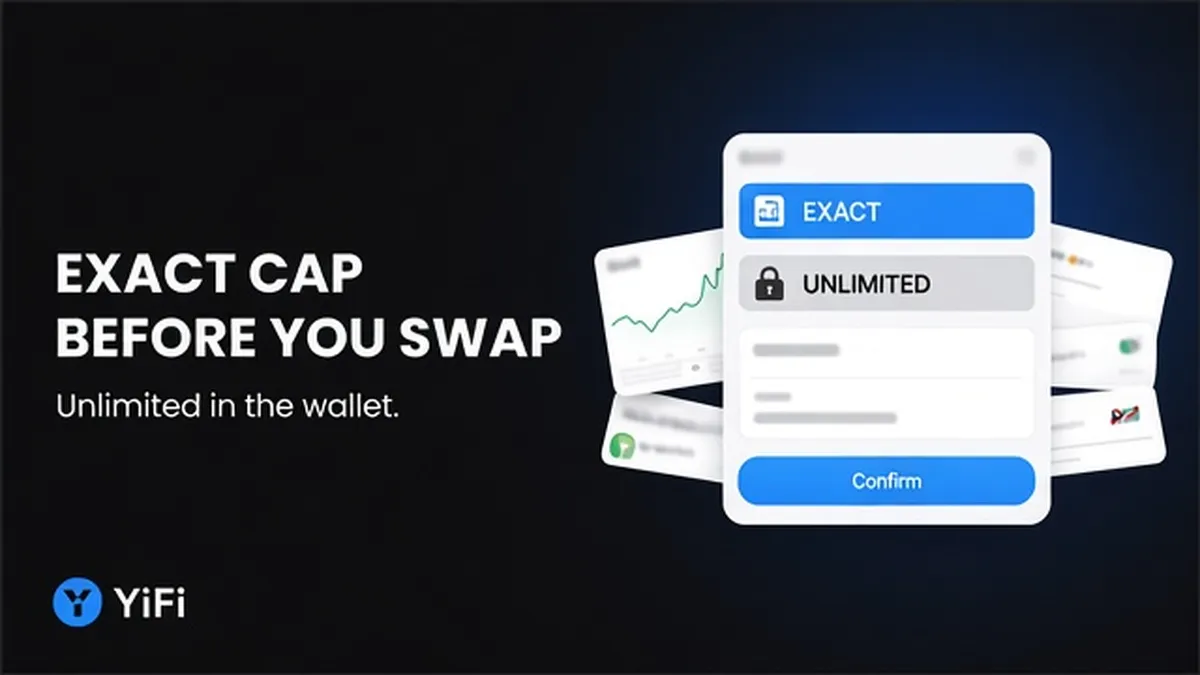
Unlimited token approval is a convenience default, not a requirement. An ERC-20 (a fungible token standard on EVM chains like Ethereum) can grant a spender a huge allowance – often near `2^256 − 1` – that stays open after your trade. Before you swap, edit the wallet spending cap to the exact input (or a tight buffer), confirm chain and spender, wait for the approve tx, then sign the swap.
Summary: Open your aggregator quote, then treat the wallet approval prompt as a separate on-chain permission, not the trade itself. Set a custom spending cap to the swap input size (or a small buffer), never leave Unlimited or Max for a one-off swap by habit. Confirm token, chain, and spender, wait for approval (including USDT-style reset-to-zero when asked), then sign the swap with leftover-allowance risk understood.
On YiFi Swap and similar non-custodial aggregators, you keep your keys and sign in your own wallet. Many on-chain routes still use approve-then-swap: approval is the permission slip; the swap is the exchange. Mixing them up is how people click Unlimited and leave a blank check on the spender.
Quotes stay indicative – outcomes can differ after refresh, slippage, or a failed route (YiFi Swap Terms). Authorize the real size you typed. Override the dapp default yourself.
Separate the approval tx from the swap tx
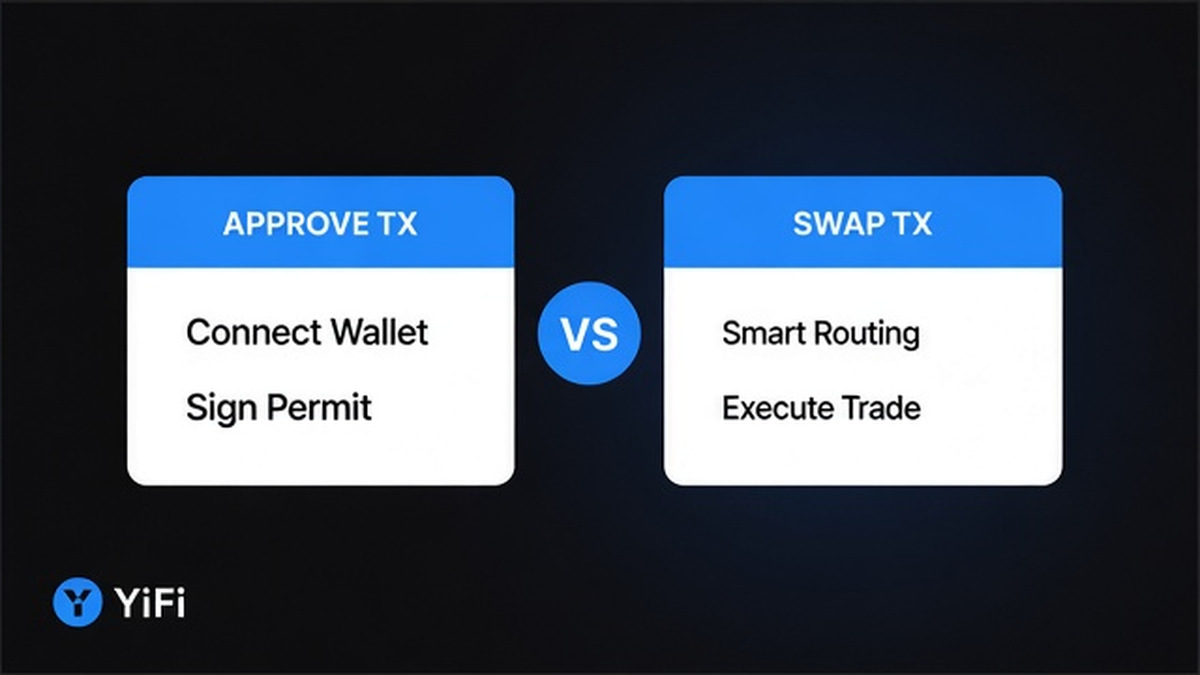
ERC-20 approve sets an allowance: how many tokens a spender (usually a router or wrapper contract) may move with transferFrom. Calling approve again overwrites the current allowance for that token + spender pair (EIP-20). The swap transaction is different – it executes the trade after permission exists.
Think of it as two doors: first you unlock how much the router may take; then you run the route. MetaMask’s token-approvals explainer puts it plainly: DeFi often needs two confirmations, and approval costs network fees on its own.
- Open YiFi Swap, connect the wallet, pick chain and the ERC-20 you will sell.
- Enter the real input amount and generate the quote.
- Start the flow until the wallet shows an approval / spending-cap prompt.
- Stop: label that screen “permission,” not “trade filled.”
- Only after approval confirms should you expect the swap signature prompt.
Workflow: Quote on /swap → wallet approval prompt (token + spender + amount) → wait for approve confirmation → swap signature → check leftover allowance later
Do: Treat approve and swap as two paid network actions. Don’t: Assume one click both grants Max and fills the trade, or that disconnecting the wallet clears the allowance.
Read the wallet prompt: unlimited, Max, or custom spending cap
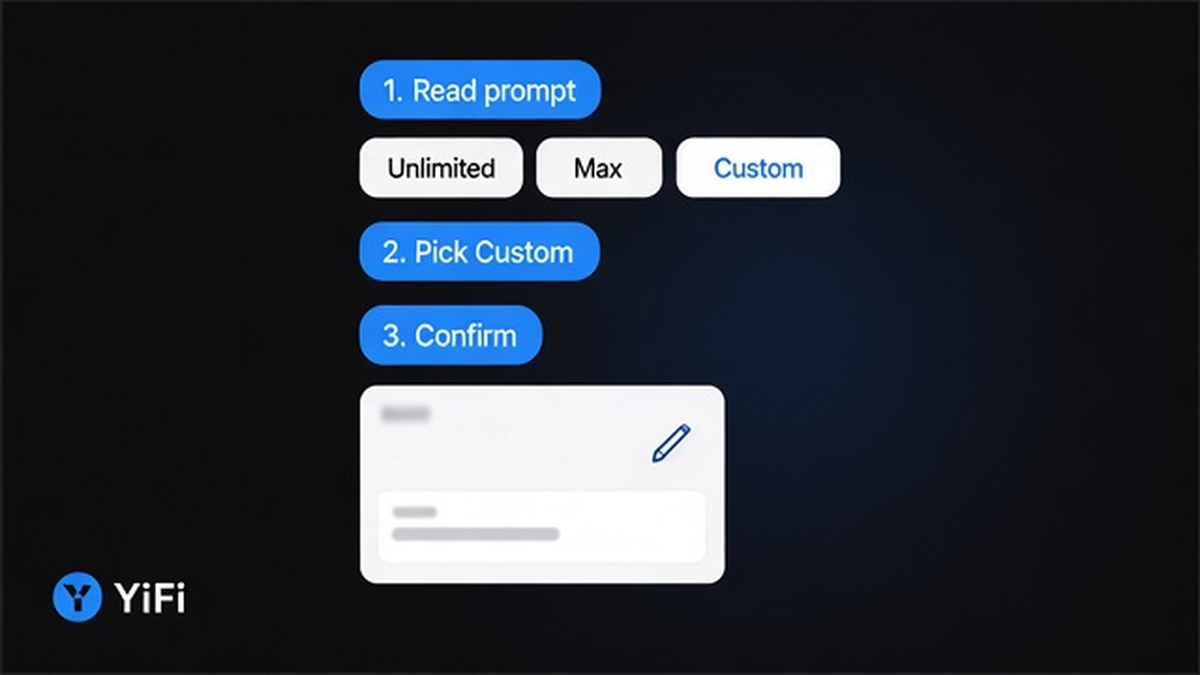
Wallets phrase the same risk differently. MetaMask Extension edits the spending cap via the pencil icon. Mobile may show custom value, Max (full balance), or Use site suggestion (often a huge or unlimited figure).
| Choice | Exact / custom spending cap | Unlimited / Max / “infinite” site suggestion |
|---|---|---|
| Amount authorized | Swap input, or a tight buffer | Effectively the whole balance of that token (`2^256 − 1` / Max) |
| After this swap | Allowance mostly consumed; next trade needs a new approve | Stays open until you revoke |
| Gas over time | More approve txs if you trade often | Fewer approve txs |
| If spender is malicious or later exploited | Loss capped near the approved amount | Full balance of that token can be drained without a new click |
| When to choose | One-off, high-value, or any time the UI looked rushed | Only if you accept leftover risk and plan periodic revoke |
MetaMask documents that Swaps may default to unlimited for gas convenience, and that you can override before submit. Unlimited is not mandatory for aggregator routes. Their spending-cap help also treats never granting unlimited as the safer common strategy.
Do: Read amount, token, and spender before Confirm. Don’t: Tap through Unlimited because the site suggested it. On Permit2-style prompts, still verify amount, spender, and any deadline.
Edit the allowance to the swap input (or a tight buffer)
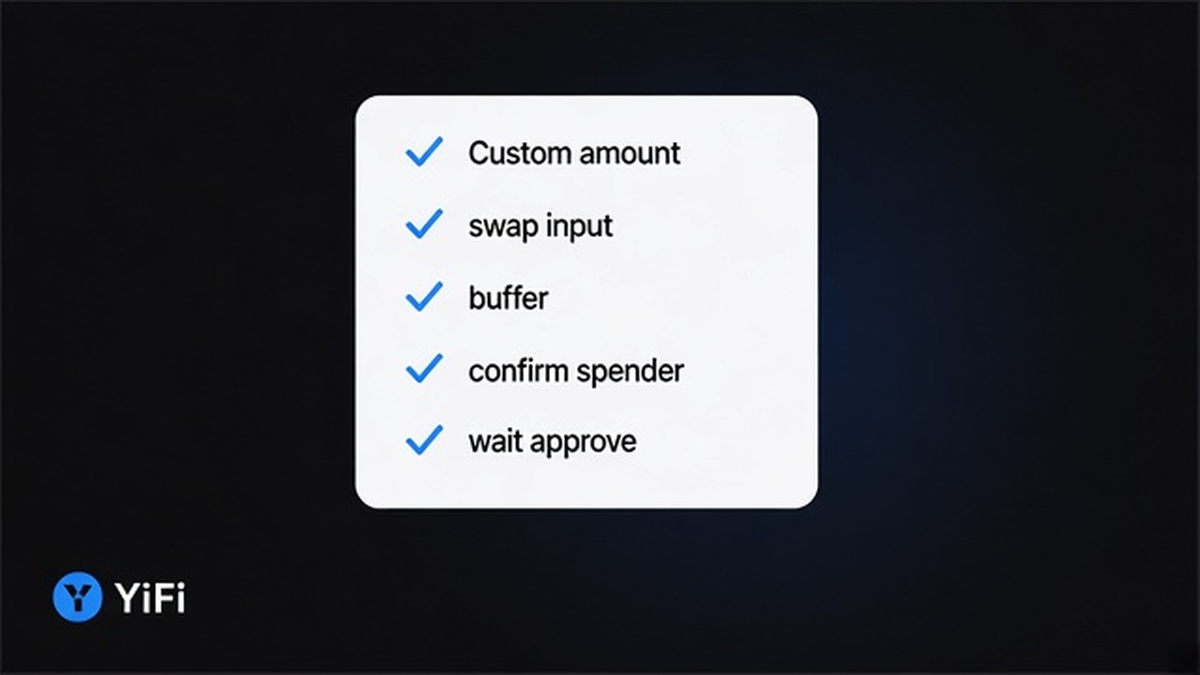
Uniswap Support defines three useful labels: Exact (approve the swap size – e.g. sell 500 → approve 500), Unlimited, and Balanced (a modest buffer still far below Max – their example: own 2,000, swap 500, approve 750). Balanced is a teaching example, not a YiFi rule or universal “safe %.”
- On the spending-cap screen, open edit (pencil / Custom).
- Type the same amount as your swap input for exact-only.
- If you expect rounding or multi-hop friction, add only a small buffer – still nowhere near Max.
- Confirm the chain ID matches the quote (allowance is per-chain).
- Confirm the token address is the asset you intend to sell.
- Confirm the spender matches the aggregator router/wrapper for this route – do not invent addresses from memory.
- Sign the approval and pay network gas (YiFi homepage FAQ: no extra platform fee on swaps; you still pay gas + exchange/LP fees).
If allowance is greater than zero but smaller than the swap input, the path can fail and demand a fresh approval (MetaMask swaps approval checks). Exact-below-input is a common self-own: you “saved” risk and then blocked the trade.
Do: Match or slightly exceed the real input when you choose a buffer. Don’t: Leave Unlimited for a one-off swap, and don’t set a cap below the amount you will sell.
Wait for the approval confirmation before you sign the swap; handle USDT-style reset-to-zero when the wallet asks
Do not sign the swap while the approve tx is still pending. Wait until the explorer or wallet shows success and the allowance is high enough for the input.
Some tokens – notably USDT and CRV per Uniswap Support – require a reset-to-zero before a new non-zero allowance. Tether’s USDT contract reverts on non-zero→non-zero changes. OpenZeppelin’s SafeERC20 forceApprove covers the same pattern. Flow:
USDT / similar: Existing non-zero allowance → approve(spender, 0) → wait for confirm → approve(spender, exact_or_buffer) → wait again → then swap
Not every ERC-20 enforces this – only some legacy tokens. If the wallet says reset first, complete it; do not spam Max hoping the revert disappears.
Native ETH does not use ERC-20 spending caps; wrapped or other ERC-20 tokens do. No approve screen can mean native coin, enough leftover allowance, or another prompt type – still verify before you sign.
Do: Finish zero-first when required, then set the exact cap. Don’t: Sign the swap on a failed or pending approve, and don’t jump to Unlimited to “fix” a USDT revert.
Post-approval checklist: leftover risk, re-approve, revoke later
After the swap fills, ask three questions:
- Did I leave a leftover allowance (buffer or Unlimited)?
- Will the next trade need a fresh approve because I used exact-only?
- Am I done with this spender for now?
Exact-only means more gas next time – the tradeoff MetaMask describes for limited approvals. Unlimited or a large buffer can outlive the trade; disconnecting the wallet does not revoke it. When finished with the spender, revoke later: how to revoke unused token allowances after a DeFi swap. This article chooses the amount before the swap; that guide covers cleanup after.
To confirm you are selling the real token (not a lookalike), use the token contract verification guide as a pre-check – it does not replace reading the spending-cap amount.
Do: Prefer exact/custom before the swap; revoke leftovers when you no longer need the spender. Don’t: Treat wallet disconnect as revoke.
Frequently asked questions
Is unlimited approval required for aggregator swaps?
No. Defaults are often Unlimited for convenience (MetaMask Swaps docs), but you can override to a custom or exact spending cap before you submit. Aggregator routing does not force infinite approve.
Do I pay gas twice – approve then swap?
Usually yes for classic ERC-20 approve + swap: two confirmations, each with network fees. Factor that into the quote checklist; YiFi does not add a separate platform fee on swaps per the homepage FAQ.
When is a small buffer safer than exact-only?
Use a tight buffer when exact-below-input can block the swap or when you expect rounding / multi-hop needs (Uniswap’s Balanced idea). Keep it far below Max. It is still not a blank check.
Why did my USDT approve fail when I changed the amount?
USDT (and similar tokens) require reset to 0 before a new non-zero allowance. Complete approve(spender, 0), wait for confirmation, then set the exact amount and wait again before the swap.
Does disconnecting the wallet revoke the allowance?
No. Spending caps persist on-chain until consumed or set to zero. Use a revoke flow on the same chain and wallet when you want them closed – see the revoke guide linked above.
Why is there no approve when I sell native ETH?
Native ETH is not an ERC-20 spending-cap flow. ERC-20 and similar tokens need allowance for a spender; native coin sends follow a different path. Wrapped tokens still use approve.