How to Revoke Unused Token Allowances After a DeFi Swap

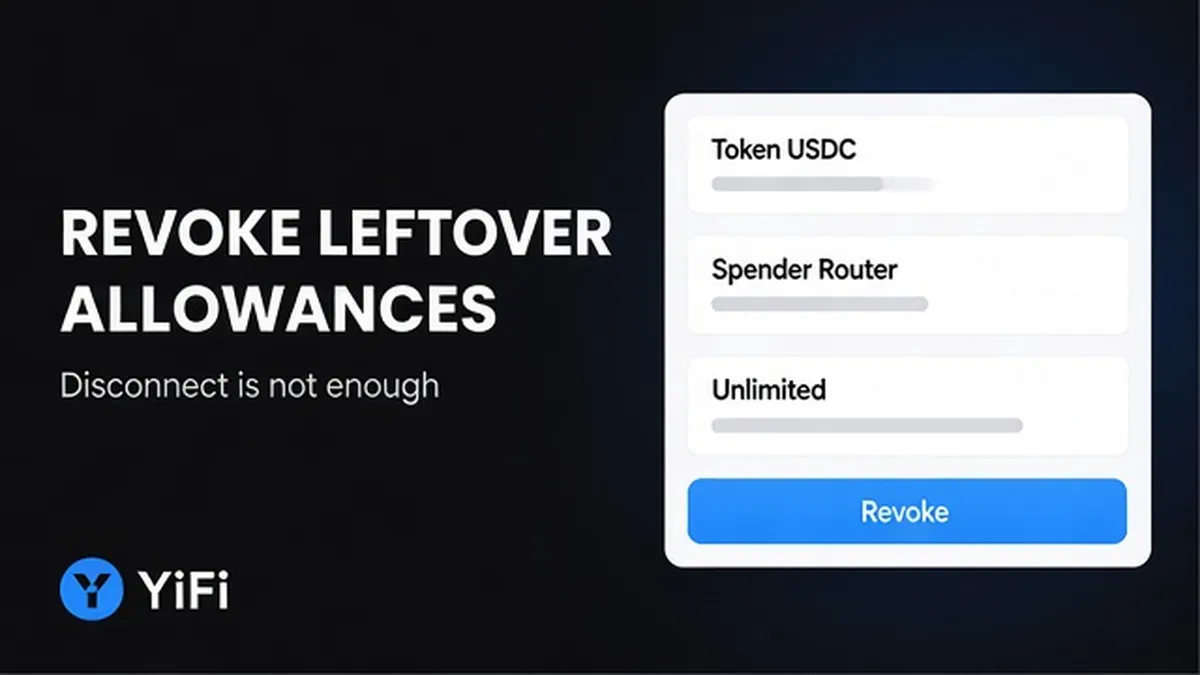
You finished a DeFi swap, closed the tab, and feel done. On many ERC-20 routes an open spender allowance can still sit on-chain – a standing permission for a contract to move that token until you overwrite it. Disconnecting the wallet does not clear it. Here is how to find that leftover approval, revoke it to zero, confirm gas, and re-check the list so only spenders you still use remain.
Summary: After an on-chain DeFi or aggregator swap, leftover ERC-20 token allowances can stay active until you revoke them. Open a trusted approval checker on the same chain, match the token and spender from that swap, sign a revoke that sets the allowance to zero, pay network gas, then refresh and verify the row is gone or shows 0. Wallet disconnect is not a revoke.
An allowance is like a spending limit you wrote for one contract (the spender). An approve creates or changes that limit. A revoke is usually the same approve call with the amount set to 0. Native ETH does not use ERC-20 spending caps; this guide is for ERC-20 tokens after a DeFi-style swap.
YiFi is a non-custodial swap aggregator: you keep your keys, and YiFi does not hold client funds. On on-chain routes you may still sign approvals to the routers or spenders used by that path. Off-chain exchanger legs are not the same as an ERC-20 approve. This article covers the on-chain allowance aftercare step.
1. How to tell what stayed open: spender allowance is not wallet disconnect
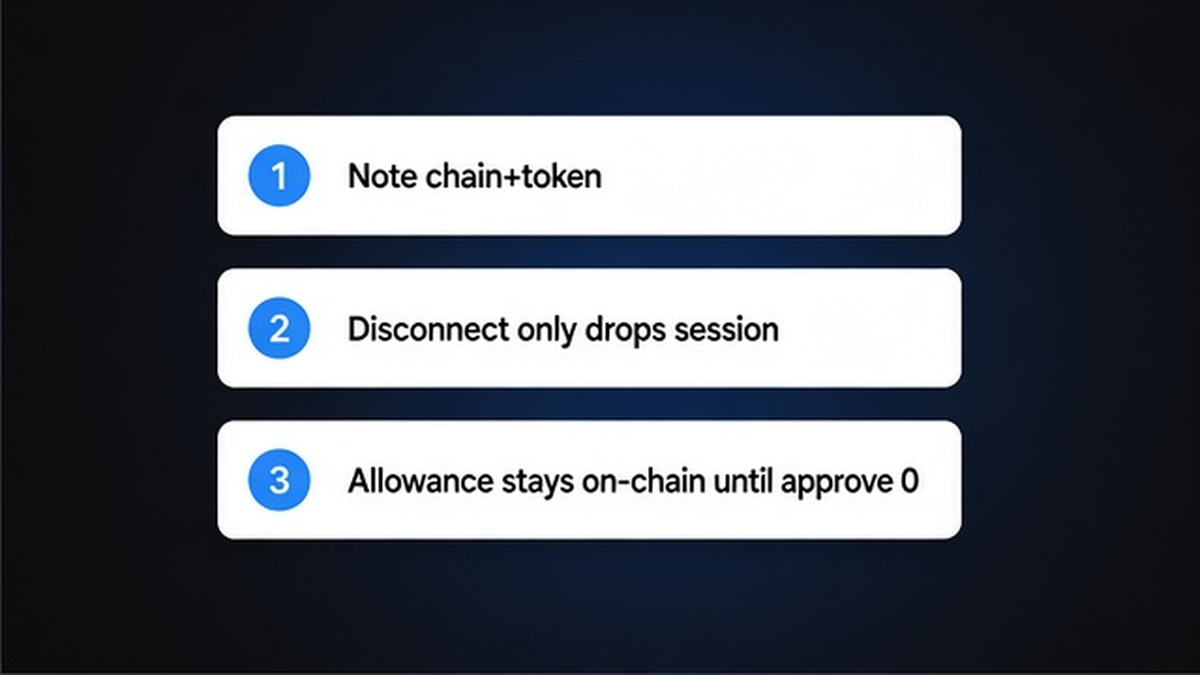
After the swap settles, write down three facts before you touch any tool: the chain (for example Ethereum or Base), the input token you spent, and that an open spender allowance is separate from a wallet–site disconnect.
Disconnect only drops the website session. The allowance stays on-chain until another transaction overwrites it. MetaMask’s own help draws the same line: disconnect ≠ revoke. Do not assume “I closed the dApp” finished hygiene.
| Action | What it changes | Clears leftover ERC-20 allowance? |
|---|---|---|
| Disconnect wallet from site | Site connection only | No |
| Revoke / set allowance to 0 | On-chain permission for that token + spender | Yes (after confirmation) |
| Unlimited spending cap left open | Spender can still pull that token later if compromised | No – prioritize revoke |
Do: treat disconnect as UI cleanup only. Do not: skip revoke because the site no longer shows connected.
2. How to open an approval checker on the same chain and wallet
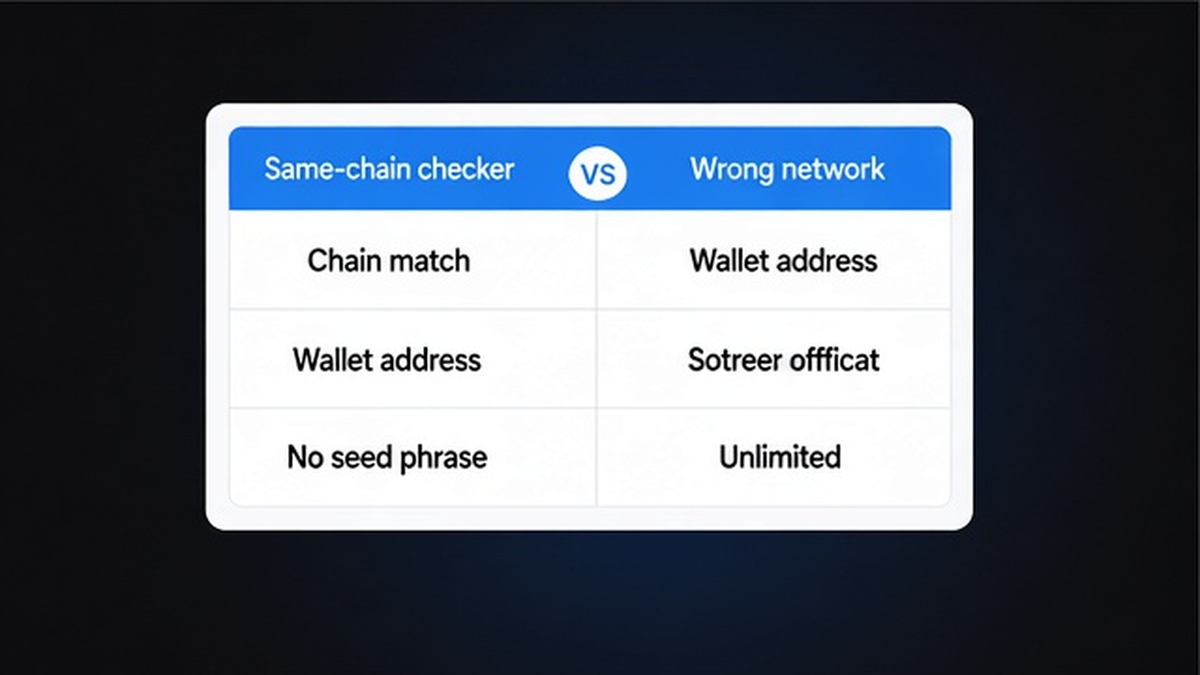
Use a checker that lists approvals for the network you actually swapped on. Common options documented by wallet and explorer docs:
- Chain explorer Token Approval Checker (for example Etherscan Token Approval Checker on Ethereum; sibling explorers on other EVM chains)
- Revoke.cash (select the network, then list approvals)
- MetaMask Portfolio Spending Caps where supported (their docs list Ethereum Mainnet, Polygon, BNB Chain, Optimism, Base – not every chain an aggregator may route on)
Workflow: Note chain + token → Open same-network checker → Connect or paste the same wallet address → Never type a seed phrase or private key into a checker
- Open the checker URL from a bookmark or known docs link, not from a random chat message.
- Select the exact network of the swap.
- Connect the same wallet, or paste that address if the tool allows read-only view.
- Refuse any form that asks for a seed phrase or private key – a real checker never needs those.
- Wait for the approval list to load before you click revoke.
Do: match the network to the swap. Do not: paste secrets into “approval” phishing pages.
3. How to match the token and spender to the swap you just finished
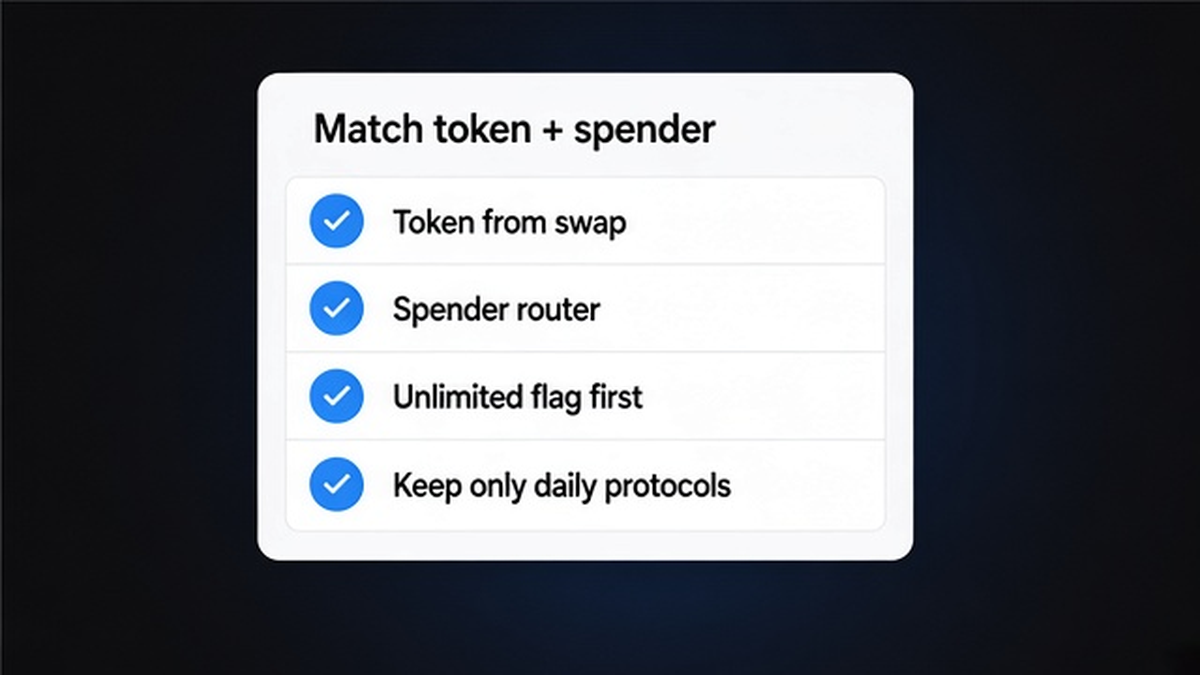
In the list, find the row for the token you spent and the spender tied to the router or protocol you just used. Names can look like a router, a pool helper, or (on some stacks) a Permit2-style helper contract. You are looking for leftovers from this swap, not every allowance you ever signed.
Flag rows first if the spending cap is unlimited or astronomically high. MetaMask notes that huge caps stay dangerous if a dApp is fraudulent or later hacked. Also flag one-off spenders you will not use again.
If you also approved a Permit2-style contract, hygiene can mean clearing Permit2-level sub-allowances and/or the token’s approval to Permit2 itself. Treat that as advanced cleanup; do not invent product-specific Permit2 behavior for every route.
Do: revoke unused, unknown, or unlimited rows from this swap. Do not: mass-revoke every active protocol you still use daily without a plan – you will just re-approve next time and pay gas twice.
4. Sign the revoke (allowance → 0), pay gas, wait for confirmation
Click Revoke (or the equivalent). Your wallet may still show a label like “Approve”. That is normal: ERC-20 has no separate revoke function. Tools submit approve(spender, 0), which overwrites the current allowance to zero. EIP-20 also notes that clients should set allowance to 0 before setting a new nonzero value for the same spender when changing caps – the same overwrite idea.
- Open the wallet prompt and confirm token + spender match the row you chose.
- Confirm the new amount is 0 (or the tool’s explicit revoke wording).
- Pay network gas in the chain’s native token – each revoke is an on-chain transaction.
- Wait until the transaction confirms; do not close the wallet mid-flight.
- If the prompt asks for a new nonzero allotment you did not intend, reject and start over.
Gas cost varies by network congestion. Do not expect a fixed dollar figure here. Homepage FAQ for YiFi Swap states YiFi charges no additional platform fee on swaps; users still pay network gas and exchange/LP fees – revoke gas is that same class of network fee, paid by you.
Do: read the prompt before signing. Do not: rush past a nonzero approve that is not the revoke you wanted.
5. Re-check the list; keep only allowances you still need
Refresh the checker after confirmation. The row should disappear or show allowance 0. The on-chain source of truth is allowance(owner, spender) (or the explorer’s Approval event for a successful approve). If the row is still live, wait for full confirmation, refresh again, or check the explorer before you re-send.
Verify loop: Revoke → Wallet confirms approve(spender, 0) → Gas mined → Refresh checker → Allowance shows 0 / row gone
Repeat per chain if you swapped on more than one network. Keep spenders only for protocols you still use. Optional hygiene for next time: prefer limited spending caps when the UI offers them, and schedule a periodic review of leftover approvals.
Revoke does not recover tokens a malicious spender already moved. It only stops further pulls under that allowance. If a swap reverted earlier, fix the failed route first using a troubleshoot guide, then clean allowances after a successful on-chain leg.
For the next swap, read gas and quote fields carefully in the crypto swap quote and gas fees guide, and keep a reverted swap checklist handy. When you are ready to route again on a non-custodial aggregator, open YiFi Swap – you still own the keys, and post-swap allowance hygiene stays your step.
Do: verify zero after every revoke. Do not: treat “tx submitted” as done without a re-check.
Frequently asked questions
Does disconnecting my wallet revoke token allowances?
No. Disconnect only drops the site connection. Sign an on-chain revoke (approve to zero or equivalent) for each leftover token + spender pair you want closed.
Do I pay gas to revoke an allowance?
Yes. Each revoke is an on-chain transaction paid in the chain’s native gas token. Budget gas per revoke, not a fixed dollar quote.
When should I keep an allowance after a swap?
Keep only spenders for protocols you still use regularly. Revoke one-off, unknown, or unlimited approvals tied to a finished swap you will not repeat soon.
How do I know the revoke worked?
After confirmation, refresh the approval checker. The row should vanish or show 0. Confirm on the explorer or via allowance(owner, spender) if the UI looks stale.
Why does my wallet still say “Approve” when I click Revoke?
ERC-20 has no separate revoke() call. Tools overwrite the allowance with approve(spender, 0). Read the amount field; reject if it is not zero.
Does YiFi hold or auto-revoke my allowances?
No. YiFi is non-custodial infrastructure. You keep keys and sign approvals to the on-chain spenders used by your route. Revoke yourself through a checker on that chain.
What if my route used Permit2?
You may need to clear Permit2 sub-allowances and/or the token’s approval to Permit2. Use the checker’s Permit2-related rows if shown; do not invent product-specific steps beyond that.