How to Exit a DeFi Protocol Position After an Earn Zap

You zapped into yield through YiFi Earn, then opened your wallet and froze: the token looks nothing like “YiFi shares.” That is normal. Earn is a routing aggregator – it builds a one-click deposit into a third-party protocol – so after the zap you hold that protocol’s own position. Here is how to exit it on the same network, into a base asset you can actually spend.
Summary: After an Earn zap you hold a protocol receipt (aToken, vault shares, stETH, sUSDe, or Pendle LP/PT/YT), not a YiFi vault token. Exit on the underlying protocol UI on the same chain, or use an optional reverse unzap quote. Confirm the base asset landed, then clear leftover allowances – do not hunt for a YiFi-side “unstake.”
If you still need the entry path, use the sibling guide how to zap into a DeFi yield strategy. This article covers only the unwind: what you hold, where to click withdraw, and what to check after the receipt burns.
YiFi does not custody your funds. Keys stay with you; after a zap the position lives in Aave, Morpho, Pendle, Lido, Ethena, or whichever strategy the card named. APY figures in Earn are informational from external sources – not a guarantee – so treat exit as an on-chain workflow, not a YiFi cash-out button.
1. Confirm what you hold after the zap
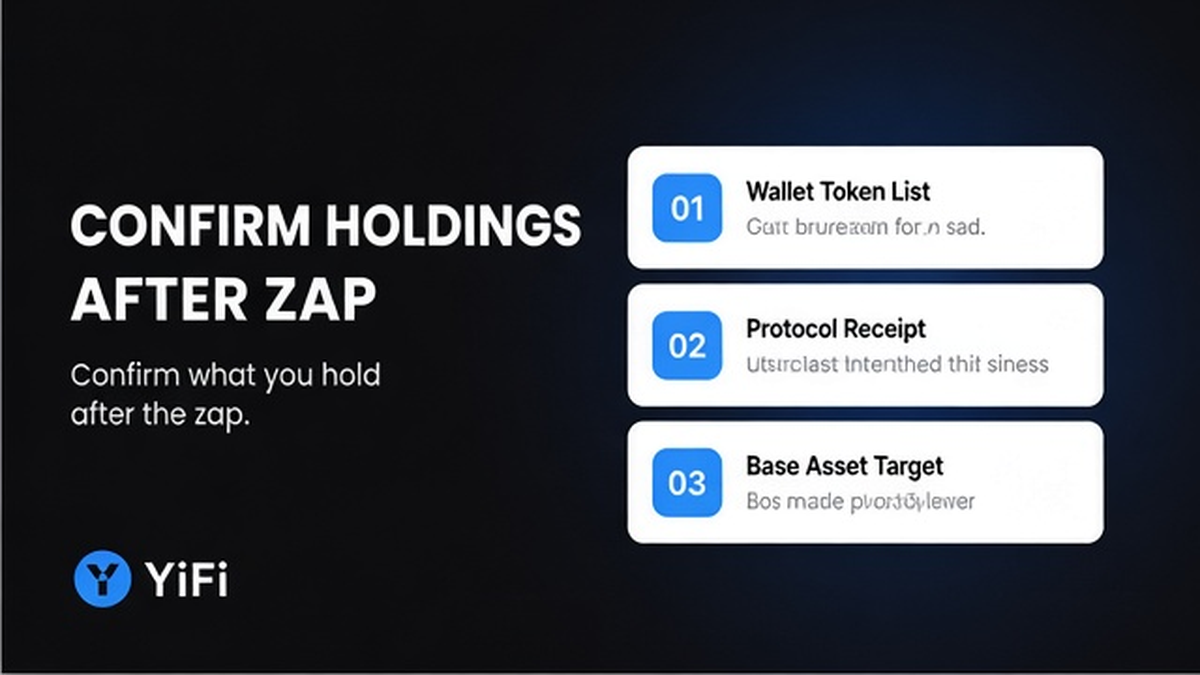
Open the wallet that signed the zap and look for the receipt named on the Earn strategy card. A receipt token is simply the protocol’s IOU: aTokens on Aave, Morpho vault shares, stETH or wstETH for Lido, sUSDe for Ethena, or Pendle LP/PT/YT. You should not expect a YiFi-branded vault share.
Cross-check the token symbol on a block explorer for that chain. YiFi Earn docs state that after broadcast the deposit lands in the underlying protocol and you receive that protocol’s own receipt directly. If you already see aUSDC, Morpho shares, or similar in the wallet, you own the position – nothing is left to “claim” from YiFi.
Do: match the wallet token to the strategy’s output_tokens / receipt name on the card. Do not: search for a YiFi receipt to redeem, or treat partner FeeSplitter fee claims as your principal exit – those are separate partner flows, not your deposit.
2. Identify the underlying protocol and chain
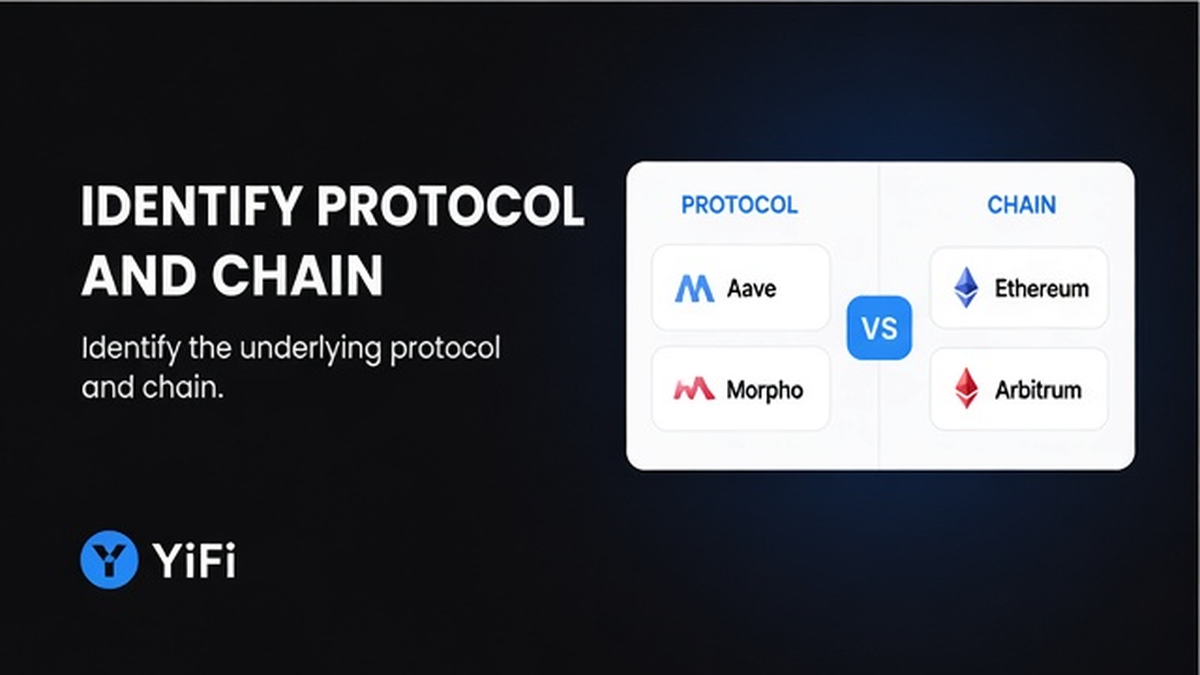
Before any withdraw click, write down three facts: which protocol owns the position, which network the receipt lives on, and which base asset you expect back (USDC, ETH, USDe, and so on). Pull them from the Earn strategy card, Portfolio view, or the token symbol itself.
Homepage and Earn materials name sources such as Aave, Pendle, and Morpho; zap-guide examples also include Lido and Ethena. Chains named on the homepage include Ethereum, Arbitrum, BSC, Base, and similar EVM networks – do not invent a live non-EVM list.
- Open the strategy card you used for the zap and note the protocol name.
- Confirm the network in your wallet (same chain as the receipt).
- Note the base asset the withdraw should return.
- Check whether the card or docs flag withdrawals_paused, a cooldown, maturity, or a queue.
- Keep enough native gas on that chain for at least one withdraw (and a follow-up claim if the protocol uses two steps).
Do: exit only on the chain where the receipt sits. Do not: bridge the receipt first or switch networks mid-flow – that usually breaks the redeem UI.
3. Choose the exit surface: protocol UI or optional unzap
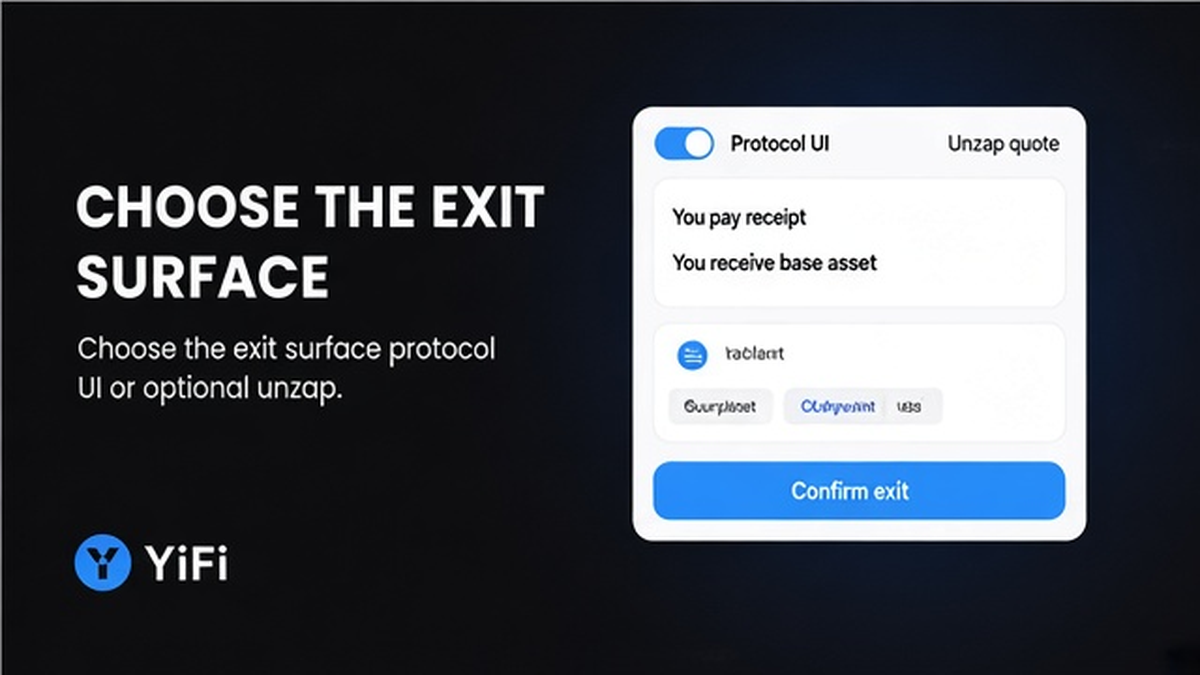
Default path: open the underlying protocol’s withdraw or redeem screen on the same network and burn the receipt for the base asset. Optional path: YiFi Earn reverse withdraw (unzap) – docs describe it as the reverse of deposit: quote → build → sign → track against the receipt token. YiFi builds calldata via its routing stack; it still does not custody or sign for you.
Exit workflow:
Confirm receipt in wallet → Map protocol + chain → Read exit rules → Open protocol withdraw (or Earn unzap quote) → Sign → Confirm base asset → Post-exit checklist
| Path | When to use | What you sign |
|---|---|---|
| Protocol UI | You want full control and protocol-native options (partial withdraw, maturity redeem, request/claim) | Withdraw / redeem / unstake on that protocol |
| Earn reverse unzap | You want a one-click unwind into a chosen asset when the strategy supports it | Quote → build → sign against the receipt (Earn FAQ also describes zap unwind) |
| Neither “YiFi unstake” | Never – there is no YiFi vault stake to unlock after a routing zap | – |
Earn FAQ states users can unwind and that withdrawals can also go through the Zap mechanism (one-click unwind to a chosen asset). If you use that route, read the fee line before signing. Earn FAQ attributes Zap fees as min 0.3% and max 0.5% depending on strategy – visible before enter – separate from Swap’s “no additional platform fee” homepage FAQ line.
Do: pick one surface and finish it. Do not: start a protocol withdraw and an unzap on the same receipt in parallel.
4. Run the protocol-specific exit into the base asset
Exact buttons differ by protocol. Use the matching flow for the receipt you hold; always confirm liquidity, cooldown, or maturity first so you are not surprised by a delayed claim.
Aave (aTokens)
On Aave: Dashboard → Your Supplies → Withdraw. The pool burns equivalent aTokens and returns underlying plus accrued interest when liquidity allows. If the supply backs debt, health factor can limit the pull – reduce size or repay debt first rather than forcing a max withdraw.
Morpho vault shares
Morpho Vault flows follow ERC-4626 style exits: prefer redeem for all shares; use withdraw for a partial asset amount. Liquidity can still limit a plain exit – if the vault cannot pay out fully, wait or exit a smaller size.
Pendle PT / LP / YT
Pendle PT is not locked until maturity. Early exit means selling PT on Pendle Trade at market price. At or after maturity you redeem 1:1 into the accounting asset (manual redeem). LP and YT exits use Pendle’s own trade/redeem screens – not a simple lending withdraw.
Lido (stETH / wstETH)
Lido on Ethereum uses a two-step path: request a withdrawal (locking stETH/wstETH), then claim ETH when processed. Budget time and gas for both steps; do not expect one instant swap back to ETH in Lido’s official queue flow.
Ethena (sUSDe)
Unstake via Ethena’s UI, wait out the cooldown, then withdraw USDe. Ethena docs currently describe a dynamic cooldown (often cited as 1–7 days via governance), with a contract max of 90 days – verify the live value in the UI before you plan cash-flow.
After confirmation, check that the receipt balance dropped and the expected base asset rose in the same wallet. If nothing moved, re-check the network and explorer status before re-sending.
Do: follow the protocol’s own docs for queues and cooldowns. Do not: promise yourself an instant exit when the protocol uses a request/claim or cooldown design.
5. Post-exit checklist (and what not to do next)
Once the base asset is in the wallet, close the loop so the next transaction does not fail for a silly reason.
- Leave native gas on that chain for future moves.
- Review leftover ERC-20 allowances to the protocol (and revoke what you no longer need).
- Confirm you are not still looking for a YiFi-side “unstake” – there is none after a routing zap.
- Do not confuse this exit with FeeSplitter partner fee claims; exiting your position and claiming partner fees are different actions.
- If you plan another strategy, reopen YiFi Earn, re-read the risk rating and exit rules, then zap only when the card still matches your intent.
Optional next step: with a clean base asset, compare a new Earn strategy or stay flat. Treat APY labels as informational, not a locked return.
Do: treat “funds arrived + receipt gone” as the success criteria. Do not: spam duplicate withdraws while a queue or cooldown is still open.
Frequently asked questions
Do I withdraw inside YiFi Earn or in Aave / Pendle / Morpho / Lido / Ethena?
Default: open the underlying protocol withdraw/redeem UI on the same network as the receipt. Optional: use Earn’s reverse unzap (quote → build → sign) when you want a routed unwind. There is no separate YiFi vault to redeem.
Is there a YiFi receipt token to redeem after the zap?
No. After the zap you hold the protocol’s own receipt (for example an aToken or vault share). Redeem that token on the protocol – or unzap against that same receipt – not a YiFi vault share.
How is exiting the protocol different from claiming FeeSplitter fees?
Exiting returns your principal (and protocol yield) from the position you hold. FeeSplitter is a partner fee-split contract flow. Do not run partner claim steps when you only want to leave a yield position.
Can I exit anytime, or are there cooldowns, queues, or maturity?
It depends on the protocol. Aave/Morpho can be limited by liquidity; Pendle PT can be sold early or redeemed at maturity; Lido uses request then claim; Ethena uses an unstake cooldown. Read the strategy card and protocol UI before signing.
What if Aave or Morpho liquidity is insufficient right now?
Withdraw a smaller amount, wait for pool/vault liquidity, or (if you have debt on Aave) improve health factor first. Do not assume a max withdraw will always clear in one click.
Do I need a YiFi-side “unstake” after I already hold aTokens or shares?
No. Skip any hunt for a YiFi unstake. Either withdraw on the protocol or run an Earn reverse unzap against the receipt you already hold, then confirm the base asset in your wallet.